Fixed One Typo in Your App? Why Apple Still Reviews the Update
Why every app update is a new build that goes through store review, which fixes can skip the store, and what version numbers mean.
Why does a small update need App Store review?
If the change is delivered as a new store build, that release needs review even when the visible edit is small. Content changes and compatible remote updates can have different delivery routes. Some small changes to an app's JavaScript and text can be shipped over the air without a store build, within store rules.
What an update really is
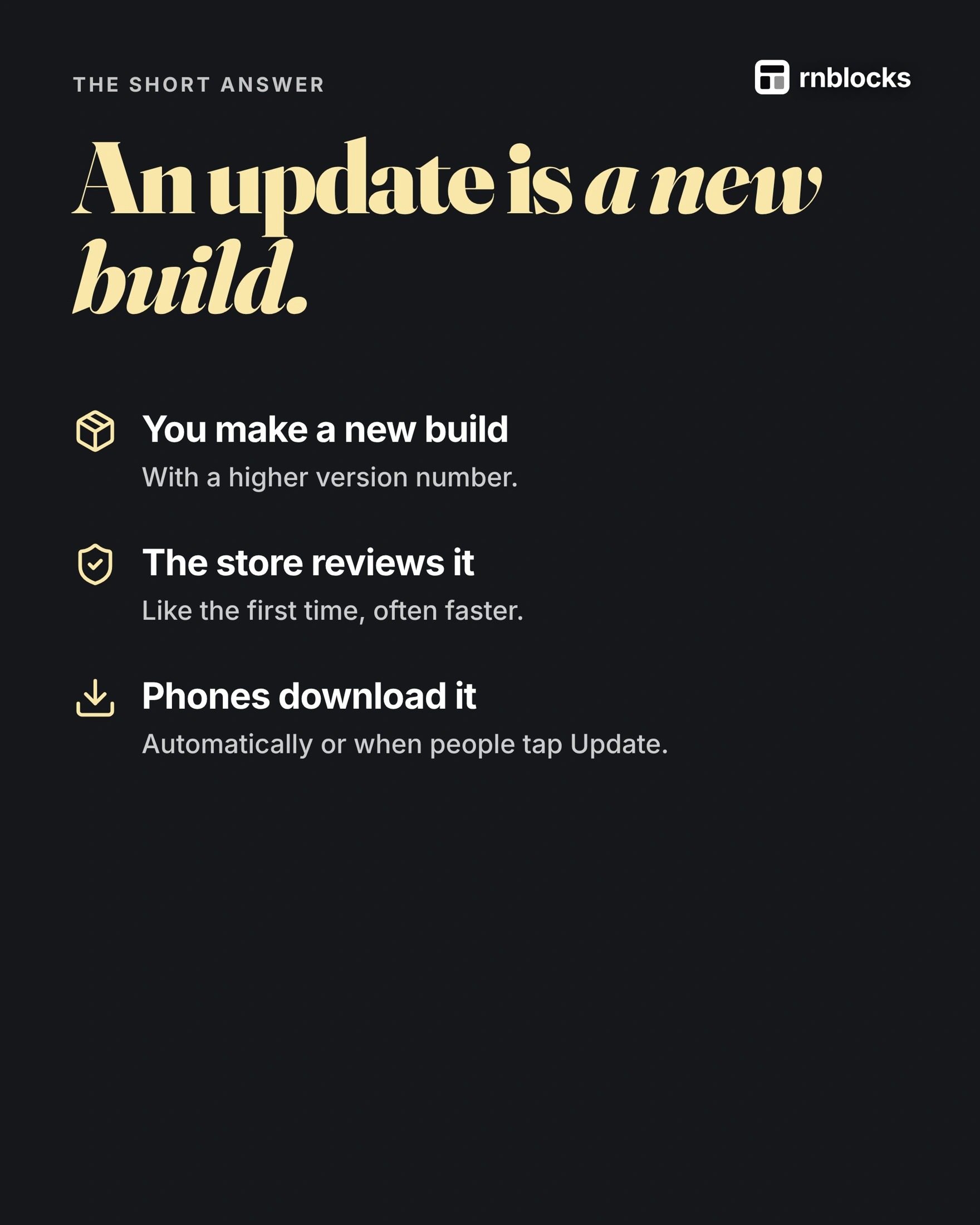
- You make a new build with a higher version number.
- The store reviews it, according to its review process.
- Phones download it, automatically or when people tap Update.
The shortcut: over-the-air updates
For React Native apps, services such as EAS Update from Expo can send small changes to code and text directly to installed apps. Changes that add new native features or new permissions still need a new store build. Remote updates must stay within store rules and match the installed app's native capabilities.
Not everyone updates right away
Old versions keep running for weeks. Your server should still answer them, so avoid changes that break older versions.
What version 1.4.2 means
| Part | Meaning |
|---|---|
| 1 (major) | Big changes, a new chapter |
| 4 (minor) | New features |
| 2 (patch) | Fixes |
The convention is semantic versioning. Stores also use a separate internal build number that must increase with each upload.
Before you ship an update
- Does it need a new build? Native changes do; small fixes may not.
- Did you test on a real phone? Not just the preview.
- Will older versions still work? Do not break people who have not updated.
Classify the change before choosing a delivery route
A typo might live in several places. If it is in server-provided content, correcting that content may be enough. If it is bundled JavaScript, an appropriately configured update service may deliver the change to a compatible installed build. If it changes native code or configuration, you need a new binary.
The important distinction is where the change lives and what the installed app can load. The number of letters changed is not the deciding factor.
Native compatibility is the boundary
A JavaScript update cannot make a missing native camera module appear inside an already installed binary. Expo uses runtime versions to help ensure updates reach builds with compatible native code.
If you add a native dependency or change build-time configuration, produce and test a new build. Do not try to bypass that boundary because the visible change appears small. Store rules still apply to remotely delivered functionality.
Example: changing a booking confirmation
Changing the confirmation text may be a content or JavaScript update, depending on how the app is built. Adding a calendar integration to that screen may require native configuration and a new build.
Treat these as different releases. Test both a fresh installation and an update from the existing version. The app may work with a clean database while failing to handle records created by an older version.
Keep older apps working
Not everyone installs an update immediately. If you rename a database field or change an API response, older installed versions may still request the old format. Plan a compatible transition rather than assuming all customers upgrade on launch day.
Keep a record of the app version, build number, backend changes and any remote update channel. This makes it easier to investigate which code a reported problem actually came from.
Roll out deliberately
Where the store or update service supports gradual rollout, use it when appropriate and watch errors before expanding. Prepare a rollback or recovery plan that accounts for data changes, not just screen code.
A code rollback cannot always undo a destructive database change. That is another reason to keep release changes focused and tested.
Explain the update to users
Release notes should name changes people care about, such as fixing a reservation that disappeared after reopening. Avoid promising 'all bugs fixed.'
After release, install the public update and repeat the original failing task. A successful upload confirms delivery to a service; it does not confirm the corrected behavior on a customer's phone.
Does a store-description edit require a new binary?
Not necessarily. Store metadata has its own editing and review rules, while the installed binary is a separate artifact. Check the field and store process involved. Do not make a new build solely because a listing sentence changed unless the workflow requires it.
Can a remote update fix every bug?
No. It cannot add native capabilities absent from the installed runtime. It also should not be used to evade store rules. Identify whether the defect is in compatible app code, native configuration or a backend before choosing delivery.
Is a build number the same as a version?
No. The public version describes the release people see, while the build identifier distinguishes artifacts. Keep both in support and release records. A tester saying 'version one' is often too vague to identify the installed code.
What if the new version changes saved data?
Test an upgrade from the previous version with existing records. New installations alone cannot reveal every migration issue. Keep older clients in mind while evolving backend responses and database structure.
A practical release note
Instead of 'improvements and bug fixes,' name an important correction: 'Saved places now remain visible after returning from details.' Check that behavior in the actual released version. Specific notes help users understand why an update matters and help support connect a report to a known change.
Build it with RNBlocks
Continue refining your RNBlocks app in the same conversation, then prepare the appropriate release step with our publishing agent. Name the change and test the original problem on the resulting build. Keep the app version, store materials and release goal aligned.
Ready to build?
Build, connect and publish iOS and Android apps with AI.