
What Is an API? The Weather App Example
Where a weather app gets the weather, what an API request and reply look like, and what to plan for when there is no answer.
What is an API?
An API is the agreed format one program uses to ask another for something. A weather app does not make the weather: it sends a question like "weather for Lisbon, please" to a weather service, and the service sends back an answer like "light rain, 18 degrees". The app then designs how that answer looks.
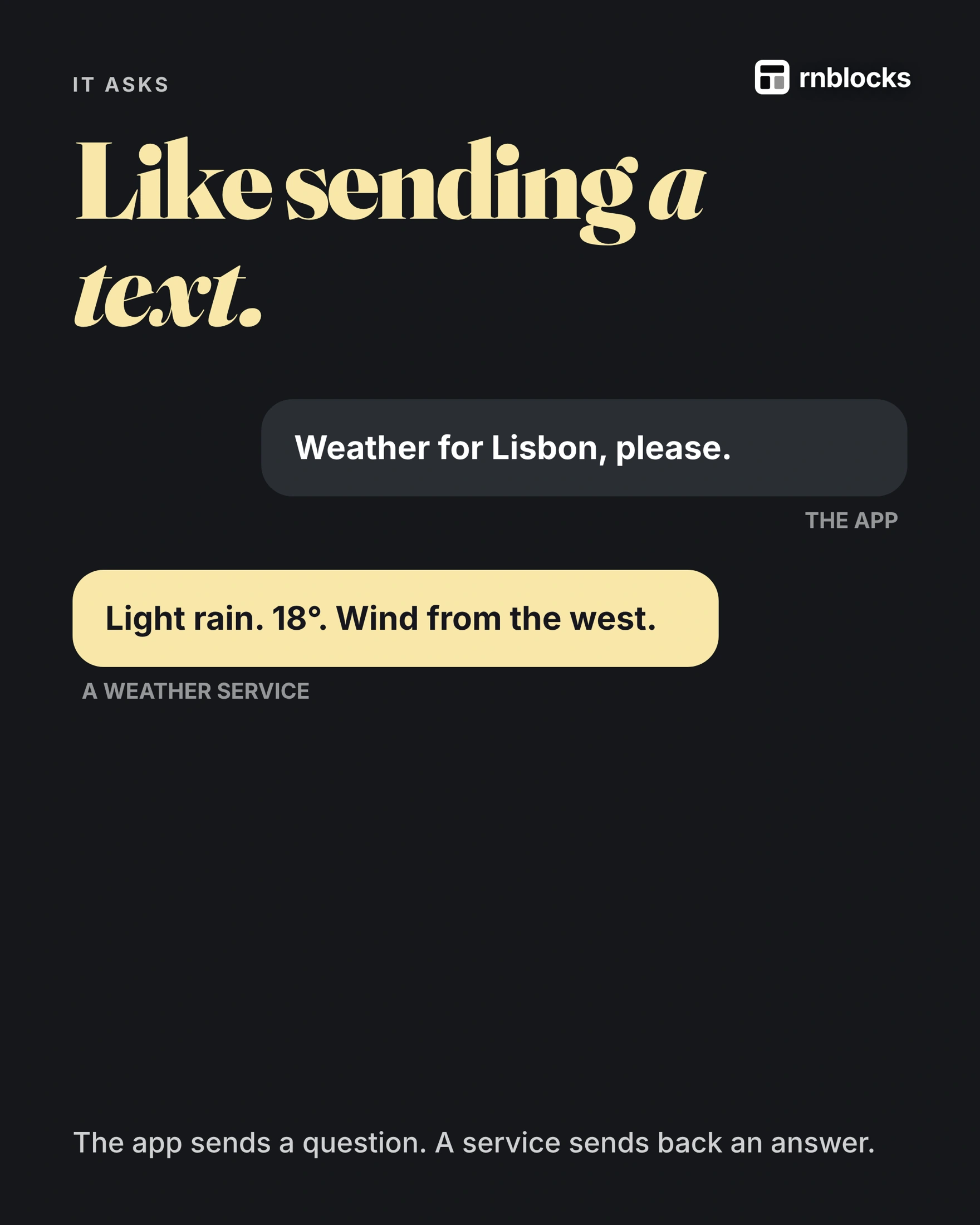
A simplified example
// the question
GET /forecast?city=Lisbon

// the answer
{ "summary": "light rain", "temp_c": 18 }
Real services document exactly what to ask for and what comes back.
Who does what
- The service has the data: collected from stations, satellites and models.
- The app designs the screen: icons, colours, what to show first.
That is why ten weather apps can show one forecast: many apps can ask the same service, and each designs its own screen.
Your phone has APIs too
Not every API is far away. Apps use the phone's own APIs for location (with permission), the camera and photos. Online services are another kind: some free with limits, some paid, and most need a key.
Plan for no answer
- No signal: show the last forecast and when it was updated.
- Too many requests: services set limits, so do not ask every second.
- Keep keys private: store service keys on your backend, not inside the app.
Follow a weather request from tap to forecast
A person opens a weather app and chooses Lisbon. The app sends a request to a weather service. The service returns structured information such as temperature, conditions and the time the forecast was updated. The app turns that response into the card the person sees.
The API is the agreed way to ask and receive that information. It describes which requests are available, what information each needs and how the response is organized. An API is not necessarily a database, even when the service reads a database behind the scenes.
What the app needs to know
| Part | Weather example |
|---|---|
| Request | Forecast for a location |
| Parameters | Coordinates, units and dates |
| Response | Conditions and temperatures |
| Authentication | The service's permitted way to identify the caller |
| Limits | How frequently the app may request data |
A service may return JSON, a text format with named fields. The interface needs to understand those fields. If temperature is measured in Celsius, changing a visible label to Fahrenheit without converting the value produces a misleading forecast.
Plan the unsuccessful requests too
The phone may be offline, the service may reject the credentials, or the request may exceed a rate limit. A successful response can also contain no useful result for the requested location.
Show a helpful state for each ordinary failure. A cached forecast with its update time can be more useful than a blank screen, provided it is clearly not live. Do not keep retrying indefinitely and use up the provider's allowance.
Keep secret credentials on a trusted service
Some APIs allow public client identifiers; others require secret keys tied to your billing. A secret weather or AI key should not be embedded in app files where it can be extracted. A backend can hold it and enforce per-user limits before forwarding requests.
Ask which kind of credential the provider issues rather than treating every key alike.
Write a better integration brief
Describe the action, the information and the fallback: 'Show tomorrow's forecast for the selected city in Celsius. Refresh when the user returns, display the last update time and keep the previous forecast visible if refreshing fails.'
That is more complete than 'add a weather API.' It tells the builder how the external information becomes a usable feature and how to behave when the service cannot answer.
Is every API on the public internet?
No. Software can expose interfaces within a device, a private network or a hosted service. In app-building conversations, people often mean a web API contacted over the network. Clarifying which service and operation you mean prevents confusion.
Does an API key identify my users?
A provider key often identifies your application or billing account. Your app still needs to know which user made the request and whether they are allowed to perform it. Do not use one secret provider key as a replacement for user permissions.
Can I request information on every screen render?
You can accidentally do so, but it may create unnecessary traffic, flickering and costs. Decide when information should refresh, cancel obsolete searches and cache data where appropriate. Balance freshness against the task.
What happens if the provider changes its response?
Your integration may need an update. Use the documented version and handle missing fields sensibly. Keep provider errors distinguishable from your own validation errors so support can investigate the correct part.
Try this before adding another integration
Write the input, expected output and three failure cases for the current feature. For the weather example, include no connection, no matching location and an exhausted allowance. If the app can explain those states and show a trustworthy result, you have a stronger foundation for the next external service.
Know who maintains the information
An external API can provide weather data, but your app still chooses units, refresh rules and what to display when information is missing. If the provider changes or stops serving a location, the app needs a useful explanation. Keep a note of the integration's purpose and expected response so future maintenance does not depend on remembering the original prompt.
Build it with RNBlocks
RNBlocks can help you build an app around supported connected services. Describe what the external information should let a person do, and include the waiting and failure behavior. Start free with one focused integration rather than adding services without a clear task.
Ready to build?
Build, connect and publish iOS and Android apps with AI.