
Web App vs Mobile App: Which Should Your Idea Be?
The real differences between a web app and a mobile app: how people find them, what each does best, how money works, and how to choose.
Should my idea be a web app or a mobile app?
Make it a mobile app if people will use it daily, on the go, or need notifications, the camera or offline use. Make it a web app if people use it at a desk, now and then, or need to try it instantly from a link. Many products end up with both, sharing one backend.
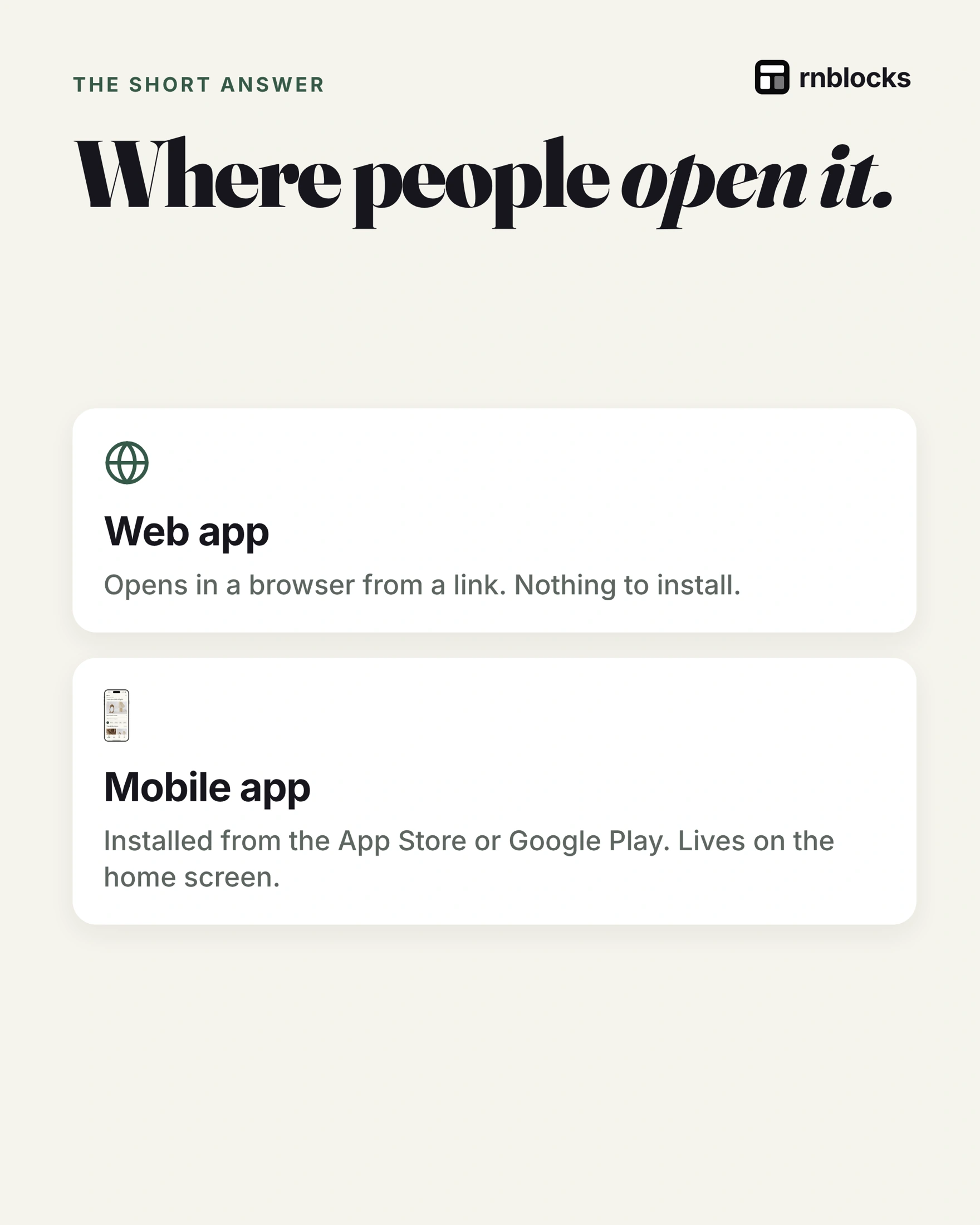
Where people open it
- Web app: opens in a browser from a link. Nothing to install.
- Mobile app: installed from the App Store or Google Play and lives on the home screen.
Getting it to people
| Web app | Mobile app | |
|---|---|---|
| Launch | Live as soon as you publish | Store review first |
| Updates | Appear on refresh | Usually a new build through the store |
| Discovery | Search engines and links | Store search, links, word of mouth |
Where mobile apps pull ahead
- Notifications on the lock screen give people a reason to come back.
- Camera, location and sensors are built in and expected.
- Working offline is easier when data lives on the device.
Web apps can do some of this too, with more limits, especially on iPhone.
Where web apps pull ahead
- One click to try, with no install in the way.
- Any screen: laptop, tablet or phone.
- Easy to find and share through search and links.
Selling inside the app
Store apps usually must use the store's in-app purchase system for digital goods, with a fee. Web apps choose their own payment provider. Physical goods and services follow different rules; check each store's guidelines.
Three questions to decide
- Used daily, on the go? Habit, notifications, camera: go mobile.
- Used at a desk, now and then? Long forms and big tables: the web fits.
- Need both? Start with where your most important user moment happens.
Match the platform to the moment of use
Consider two people using a restaurant service. The owner edits menus and studies weekly sales at a desk. A customer checks a menu once from a shared link. Neither task automatically needs a native app. A delivery worker using scanning, navigation and repeated status updates all day may benefit more from one.
Define the situation rather than choosing from appearance. Ask where the user is, how often they return, whether they have reliable signal and which device capabilities the task actually needs.
Do not assume device features are native-only
Modern browsers can support camera access, location, offline caching and some notification workflows. Availability depends on the browser, operating system, installation state and implementation. Native apps also require permission handling and deliberate offline design.
Instead of saying 'we need the camera, therefore we need native,' test the exact camera workflow. Scanning one receipt in a browser is different from continuous barcode scanning during a warehouse shift.
Compare the first-user journey
A web app has a strong advantage when someone should try a task directly from a message. An installed app adds a store visit and download before the first use, but can be convenient for frequent return use.
Map both journeys on paper. Count the steps before the person reaches something useful. Ask whether an account is necessary at that point, rather than adding one because most app examples contain a login screen.
You can build a shared service with two interfaces
A business might offer web administration and a mobile app for field work. They can use the same backend while showing different screens and allowing different actions. The field worker does not need the administrator's financial reports.
Start with the interface serving the most important unmet task. Design the data and permissions so adding another client later is possible, without building two complete experiences before anyone tries either.
A small decision exercise
Write three sentences: who uses the product, what they finish and why their current tool fails in that moment. Then prototype that task on the likely device. Watch someone try it.
If a simple mobile website solves it, you have learned something valuable. If repeated use, device behavior or offline work exposes a real gap, you have a clearer reason to invest in an installed app. Store presence alone will not create demand for a task people do not need.
Does starting on the web prevent a mobile app later?
No. A useful backend and a clear understanding of the task can carry forward. The interface may need substantial new work, so avoid promising a one-click conversion. Choose identifiers, data ownership and service access carefully enough that another client can use them later.
Does launching in a store bring users automatically?
No. Store presence creates an installation route and a listing people can discover, but you still need a reason for people to try the app. Plan distribution around the audience and task. A shared web link can sometimes be easier for the first test, while an installed beta may be necessary to evaluate the device behavior that makes the product useful.
Check how the app will be shared
Ask a potential user to open the first version from the route you expect to use. A link in a group chat, a QR code at a venue and a store search create different first experiences. Test the complete path to the task, including installation or login where needed, before judging only the interface they see afterward.
Build it with RNBlocks
When the task calls for an installed mobile app, start free in RNBlocks. Describe who it is for and the main action they should finish. Build the iOS and Android journey, test it and continue with our publishing agent when release preparation becomes the next step.
Ready to build?
Build, connect and publish iOS and Android apps with AI.