Vibecode vs RNBlocks: Which AI App Builder Fits Your Project?
Comparing Vibecode and RNBlocks for building iOS and Android apps with AI: project types, publishing, code export and who each one suits.
Which is better, Vibecode or RNBlocks?
Choose RNBlocks if you want a React Native and Expo app with a conversational builder, supported service connectors and release preparation in the same workspace. Vibecode also offers mobile project types, including Swift and React Native routes. Compare the output and release path your app needs. RNBlocks lets you start free, refine a focused app journey and continue with our publishing agent when you are ready for the stores.
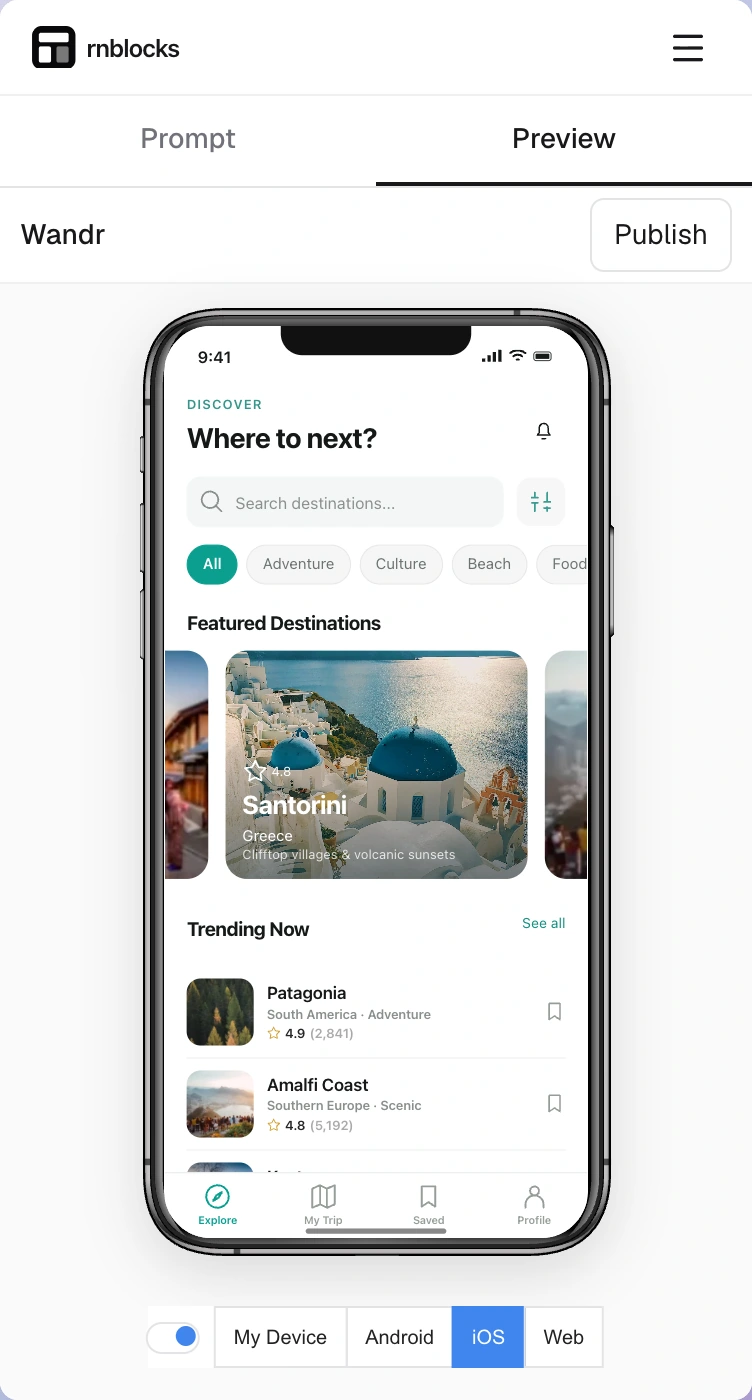
Side by side
| Vibecode | RNBlocks | |
|---|---|---|
| Where you build | Mobile and browser workflows; depends on project type | Browser Studio, works on a phone too |
| Project types | Native Swift and React Native | React Native and Expo |
| Publishing | Advertises build, test and publish | Publishing agent: release identity, screenshots, builds, submission |
| Code export | Advertised | Source download on paid plans |
| Backend and AI services | Check current integrations | Supabase plus OpenAI, Anthropic, Groq, Replicate, ElevenLabs |
How to decide for yourself
Run the same small test in each tool:
- Build one real journey: sign in, save something, see it after reopening the app.
- Ask for one change and check how easily you can follow and undo it.
- Install the result on a real phone, not just the preview.
- Follow the release path far enough to see which accounts, builds and steps are needed.
Prices and features change often, so check each tool's current pricing page before deciding.
Pick the app type, then the working environment
Vibecode describes separate iOS, Mobile and Web project types. Its iOS route uses Swift and SwiftUI. Its Mobile route uses React Native and Expo for iPhone and Android. Those choices affect the code you receive and how you build and release it.
The product also documents browser-based previews, so treating Vibecode as only an iPhone editor misses part of its offering. Compare the environment and project type you would actually use. A phone-based start can be convenient, while a larger screen may be easier for checking several screens and release details together.
Follow an example beyond the first screen
For a personal reading app, ask both builders for a book list, notes and a completed-books view. Add a note, reopen the app and check that it remains. If accounts are part of the brief, try another device and confirm which notes belong to which person.
Next request one bounded change: move the reading-progress control below the title without redesigning the rest of the detail screen. This tests iteration rather than only first-generation design. Record whether the request changes navigation, data or unrelated screens.
Finally, inspect the path to the platform you need. Vibecode's documented release route differs between its Swift iOS projects and cross-platform Mobile projects. An Android release from an exported project involves different work from a built-in iOS publishing flow.
Questions worth answering in the trial
- Can you understand and correct an error without starting over?
- Does a follow-up preserve earlier working behavior?
- Which services need your own account and billing?
- Which plan lets you export the complete project?
- Can you install and test the intended release on a physical device?
- Where do you complete screenshots, store declarations and review submission?
These questions produce a useful comparison even when both builders generate attractive interfaces.
Where each might fit
Vibecode may suit someone who prefers its project choices, mobile editing experience or native Swift route. RNBlocks may suit someone who wants a React Native and Expo app with service connections and publishing preparation beside the project.
Neither choice removes the need to define the app's behavior. 'A reading app' leaves many decisions open: whether notes sync, whether books are imported from a service, and whether progress is private. A clear brief reduces avoidable work in either product.
Think about the next six months
The app will need updates after the first release. Check what happens when you download the code, change a service account or need a native library that the initial preview does not include. Ask who will maintain those parts.
If you already have a working app in one builder, compare the cost of rebuilding with the benefit of switching. RNBlocks does not automatically import arbitrary external projects. A good decision accounts for existing progress as well as the appeal of a new tool.
What if I do not know which code I want?
Start from the required devices and the person who will maintain the app. If both stores matter, inspect a cross-platform project in each builder. If the product is specifically for Apple devices, compare the native iOS route as well. Ask to see a small exported project before making assumptions about long-term maintenance.
Does a working preview prove the publishing route?
No. Include one installed build in the comparison and identify the remaining store steps. A simulator confirms a different environment from a physical phone, while an upload confirms a different milestone from a reviewed release.
Keep the outcome visible
Use a small checklist beside the trial: working task, correct saved data, intended platform and next release step. It helps you choose RNBlocks for a concrete workflow benefit rather than simply comparing attractive previews.
Questions people also ask
Which is easier for a complete beginner?
Both start from a plain-language description. The bigger difference is where you prefer to work and how much publishing guidance you want.
Build it with RNBlocks
RNBlocks gives you a direct way to describe a mobile app, refine it through conversation and prepare it for release. Start free with one useful journey, then add the services it needs. Our publishing agent helps bring store details, screenshots and build work into the same workflow.
Ready to build?
Build, connect and publish iOS and Android apps with AI.