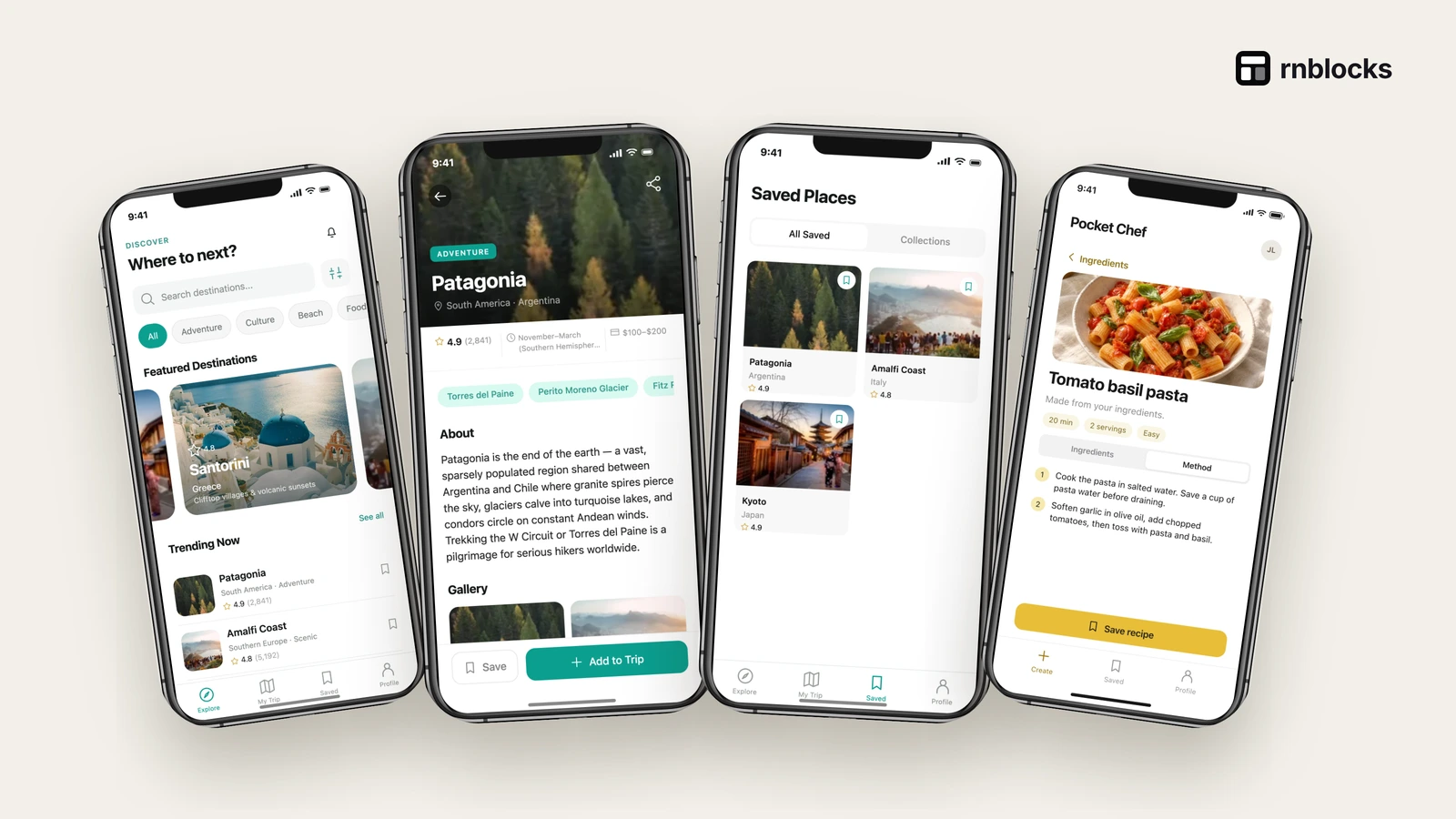
Ready-Made Mobile Screens and Flows: How to Use Them in Your App
Browse sign-in, checkout, onboarding and profile screens and flows, and use them as a starting point for your own app.
Where can I find ready-made mobile app screens?
The RNBlocks Screens and Flows libraries show common mobile screens and complete journeys, such as sign-in, onboarding, checkout and profile, that you can open in Studio and adapt.

Screens vs flows
- A screen is one view, such as a sign-in form.
- A flow is a journey across screens, such as sign up, verify email and finish profile.
How to use them
- Find a flow close to your journey.
- Open it in Studio.
- Describe your changes: wording, data, colors, extra steps.
- Test the whole journey, including errors and empty states.
A flow includes the states between screens
A sign-up flow is more than a sign-up screen followed by Home. It can include validation, email verification, an expired link and returning to the app. A checkout flow includes waiting, failure and recovery as well as a confirmation.
When you choose a flow, identify which of these behaviors the example demonstrates and which your product still needs.
Start from the closest task
If your app needs booking, look for the sequence that lets someone choose an item, inspect details and confirm a choice. You may reuse the interaction pattern even if the example's visual subject differs.
Do not carry over irrelevant wording or business rules. A restaurant reservation and a gym class may share navigation while differing in capacity, cancellation and payment.
Combine patterns deliberately
Using an onboarding flow from one example and a profile flow from another can introduce inconsistent navigation, typography and data assumptions. Start with one main flow and adapt additional pieces to its conventions.
Check what happens when a person crosses the boundary. Does signing in return them to the task they were doing, or reset them to an unrelated screen? Does every screen refer to the same account and record identifiers?
Describe the intended behavior
A useful request is: 'Use this list and detail pattern for available classes. Tapping Reserve should save a booking for the current member and show it in My bookings. Keep the existing bottom navigation.'
That connects the borrowed pattern to your actual app. 'Add this screen' may only create a disconnected view.
Check accessibility and content
Real titles are longer than sample titles. People use large text, screen readers and different languages. Check that labels make sense without relying only on icons and that controls remain reachable.
Use representative sample data and inspect empty lists, errors and loading. A finished-looking example can hide how much behavior is needed when no records exist yet.
Do a flow review before polishing
Walk from the entry point to the result and back. Try canceling halfway, losing the connection and reopening. If the flow handles a consequential action, verify the result in the underlying service.
Only then refine the visual details. A consistent design helps people understand the app, but the essential quality is a journey that completes and handles ordinary interruptions.
Keep the library and your product separate
The example helps you start. Your finished app needs its own content, accounts, services and release preparation. Review source and asset terms where relevant, and do not assume a demonstration includes production credentials or real third-party operations.
Is a screen enough to prove a feature?
No. A screen can display an action without completing it. Trace what happens after tapping, where the result is stored and how the person returns to it.
Can I combine different examples?
You can adapt patterns, but align navigation, data ownership and visual conventions. Test the transition between them. Two working examples do not automatically become one coherent app when placed together.
What should I remove from a borrowed flow?
Anything unrelated to your task, along with its links and placeholder content. Keep required account, error and privacy behavior. Reduce unnecessary scope without making the core journey incomplete.
How do I describe an adaptation?
Name the pattern and its new purpose. For example: 'Use this list-detail flow for classes, with reservations saved to the current member's account.' Include the result and any business rule the visual example cannot show.
What should a final review include?
Start from a fresh state, finish the task and return later. Try cancellation, an empty result and a failed request. Check accessibility and representative content on intended devices. If the flow performs a remote action, verify its actual saved result. This makes the library useful as a working starting point rather than a collection of screens disconnected from the product's behavior.
Give every transition a purpose
When someone completes a step, the next screen should reflect its result. A successful reservation should lead to the actual booking details, not a disconnected sample confirmation. Check identifiers and saved state across the transition. This is where assembling several attractive screens often needs more work to become a complete app.
Questions people also ask
Are the screens real code or images?
They are working app screens you can open and change, not static images.
Can I combine flows from different apps?
Yes. Start with one flow and describe the others you want to add, one at a time.
Which flows should every app check?
Sign-in and password reset, the main task, empty states, and account deletion if people can create accounts.
Common mistakes
- Copying a flow without changing its wording to fit your audience.
- Skipping error and empty states because the template looks finished.
Build it with RNBlocks
Use RNBlocks screens and flows to start from a concrete mobile pattern. Ask our agent to adapt it to your audience, connect the behavior and test the whole journey. Start free with one useful flow rather than combining unrelated screens without a clear task.
Ready to build?
Build, connect and publish iOS and Android apps with AI.