Mobile App Templates for Travel, Shopping, Fitness and More
Start your app from a real template: travel, shopping, fitness, reading, finance, events and more, then make it your own in RNBlocks Studio.
Can I start from a template instead of a blank app?
Yes. RNBlocks has app templates and flows you can open in Studio and change by describing what you want. Starting from a template is faster when your idea is close to a common app type.
Template ideas
| Template | Good starting point for |
|---|---|
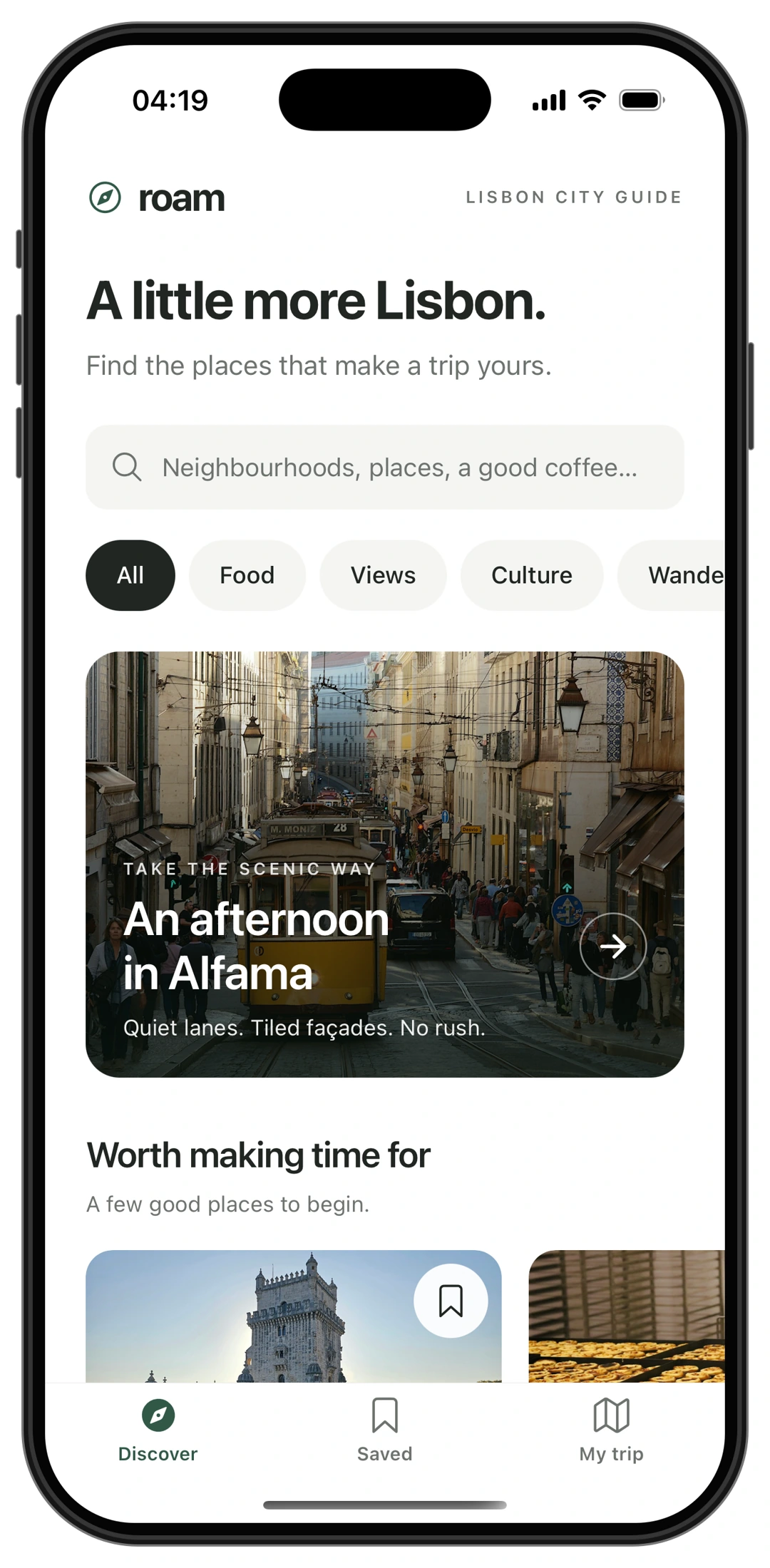
| Roam (travel guide) | City guides, trip planners, place lists |
| Gather (shop) | Small stores, product catalogs, checkout |
| Stride (running) | Fitness plans, habit tracking |
| Margin (reading) | Reading lists, saved articles, notes |
| Folio (portfolio tracker) | Finance dashboards |
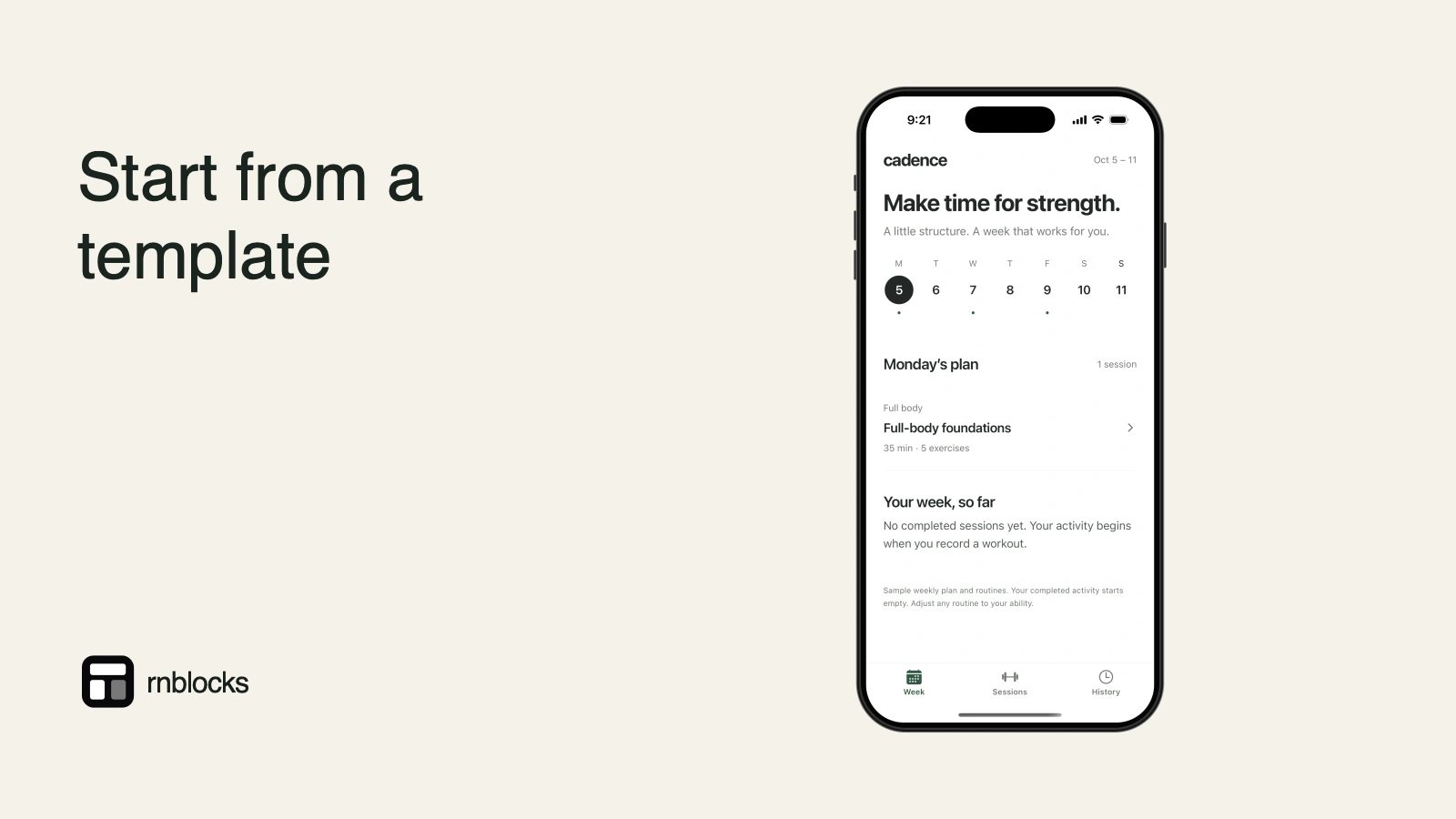
| Cadence (sessions) | Practice logs, schedules |
| Resonant (voice studio) | Audio and voice apps |
The library also includes food delivery, events, restaurants, rewards, mail and video calling examples.
How to make one yours
- Open the template in Studio.
- Describe your audience and main task.
- Ask for changes one at a time and test each.
Choose by the journey, not just the cover
An attractive template can be a useful start, but its main task matters more than its category name. A travel guide and a reading app may both teach a list-detail-save pattern. A shop adds baskets and checkout, which bring different data and payment requirements.
Open the example and tap through the relevant flow before choosing it. Look at the screens you would keep, the ones you would remove and the services needed to make it your own.
Use the library as a starting point
Template names and the library selection can change. Treat the examples here as ways to choose a starting pattern, rather than a promise that a fixed count or label will remain forever.
A fitness example may provide a useful plan-and-history layout. A mail example may show a list and detail conversation. A food-delivery example can illustrate ordering, but does not mean a real delivery operation is already connected.
Inspect what is sample behavior
| Part | What to check |
|---|---|
| Content | Sample records or a live source? |
| Accounts | Working authentication or a presentation screen? |
| Saving | Local state or durable account data? |
| Payment | Demonstration or configured checkout? |
| Images | Appropriate rights and relevant subject matter? |
A template is not automatically a production-ready business. You still need to define the rules, connect services and test the complete task.
Make the first change about the audience
For a city-guide starting point, you might say: 'Adapt this for families visiting museums. Keep discovery and saved places. Replace nightlife categories with age suitability, indoor options and opening times.'
That changes the purpose without requesting a random redesign. Next decide which information is editable, where it comes from and who maintains it.
Remove unnecessary screens
A first version often improves when you remove parts of a template that do not serve the task. An unused community tab or placeholder subscription screen can confuse people and create review work.
Keep the app internally consistent after removing them. Check links, navigation and empty states so a deleted feature does not leave dead ends.
Test the adapted version
Repeat the main journey after changing the content and services. Long place names, different image shapes and a larger list can expose layout assumptions hidden by the original sample.
Try the relevant devices and text sizes. Confirm data behavior with realistic sample accounts before release. The template saves you from starting with an empty project; it does not remove the work of making the result fit your users.
Is the template already a complete business?
No. It provides a starting app pattern. Real catalog data, account rules, payments, operations and release preparation depend on your product. Inspect what is demonstrated and what is configured.
Can I change the visual style?
Yes, within the app-building workflow. Describe the desired change and preserve important behavior. Review several screens so the result remains consistent rather than only polishing the first one.
Should I start from a similar category?
A similar journey can matter more. A list-detail-save pattern can suit several products. Choose the example whose behavior reduces useful work, then adapt content and rules to your audience.
What if I only need one flow?
Use the relevant flow and remove unrelated sections. Check navigation after removal. A small coherent app is better than retaining unused screens because they came with the starting point.
How do I know the adaptation is ready?
Use your own representative content and test the main task, empty states and saved results. Long labels, missing images and a larger list can expose assumptions hidden by the original sample. Connect required services and verify the app on intended devices before treating the template as a released product. The starting design is a foundation, not a substitute for that check.
Choose one useful starting advantage
Write down what the template saves you: navigation, a particular layout or a complete example journey. Keep that advantage while adapting the product. If almost everything needs replacing, a smaller flow or a fresh brief may be easier to maintain than forcing an unrelated template to fit.
Questions people also ask
Can I change everything in a template?
Yes. Screens, wording, data and design can all change through the conversation.
Is a template better than a blank start?
When your idea is close to a common app type, a template saves time. For unusual ideas, a clear description often works better.
Build it with RNBlocks
Browse the RNBlocks library, choose a useful starting journey and make it your own through conversation. Start free, replace sample content with appropriate data and connect the services the task requires. Continue with our publishing agent when the adapted app is ready for release preparation.
Ready to build?
Build, connect and publish iOS and Android apps with AI.