How Do I Publish My App to the App Store? A First-Timer's Walkthrough
The full route from a finished app to the App Store in 2026: the Apple account, the app record, a store build, screenshots, review and release.
How do I publish my app to the App Store?
You need five things: an Apple Developer Program membership (US$99 per year, with regional pricing and fee waivers for eligible organizations), an app record in App Store Connect, a signed store build of your app, a complete store listing (screenshots, description, privacy answers) and a passed App Review. Account verification, preparation and review have separate timelines, so allow a buffer for a first release. Each step is separate: uploading a build does not submit it, and passing review does not always release it automatically.
Step 1: Join the Apple Developer Program
Enroll at developer.apple.com with your legal name, or as an organization if you have a registered business. Organizations need a D-U-N-S number, which can take extra days. Complete the agreements and payment yourself on Apple's site.
Step 2: Create the app record
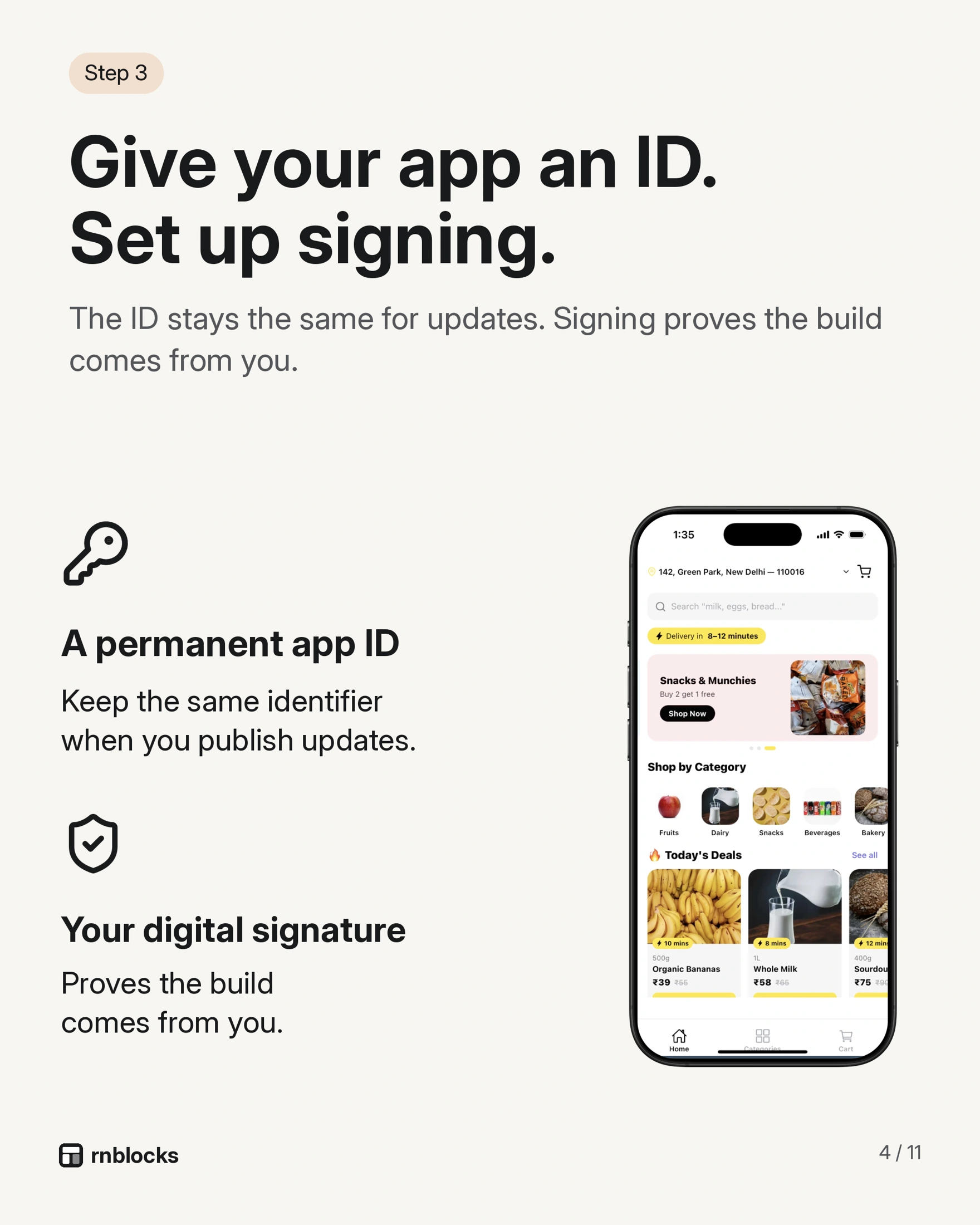
In App Store Connect, add a new app. You choose the name, primary language, bundle identifier (for example com.yourname.wandr) and SKU. The bundle identifier must match your app's configuration and cannot be changed later, so pick it carefully.
Step 3: Make a store build
A store build is a signed version of your app made for distribution. It is different from a preview, a simulator build or a build for one registered test phone. With React Native and Expo apps, this is usually done with Expo Application Services (EAS Build), which handles signing with your Apple credentials.
Step 4: Upload and (optionally) test with TestFlight
Upload the build to App Store Connect and wait for Apple to process it. You can share it with testers through TestFlight first. TestFlight is optional, but it is the best way to catch problems on real phones before review.
Step 5: Complete the listing
You need screenshots for the required iPhone sizes, a description, keywords, a support URL, a privacy policy URL and the App Privacy answers about what data your app collects. If the app has accounts, give Apple a demo login in the review notes.
Step 6: Submit for review, then release
Select the processed build for your version and submit it. Review timing varies by submission; inspect the actual status in App Store Connect. When approved, release it immediately, on a date, or manually.
Common mistakes
- Using a brand name instead of your legal name when enrolling.
- Uploading a build and assuming it was submitted.
- Forgetting a demo account for apps with sign-in.
- Screenshots that show a different app than the build.
- No way to delete an account from inside an app that lets people create one (Apple requires this).
Start with the account that should own the app
Before creating identifiers or signing files, decide who will appear as the developer. A personal project and an app commissioned by a business may need different owners. If a client should own the listing, use their organization and invite collaborators with suitable access. Publishing under your personal account and transferring later creates work you can often avoid.
Keep an app record sheet with the display name, bundle identifier, Apple team, support contact and intended release countries. These values turn up in several tools. A mismatch between the build's bundle identifier and the store record is an identity problem, not something a new screenshot can fix. Treat the bundle identifier as a long-term identity once the app is distributed.
Test the version you intend to submit
Imagine a booking app where people choose a class and reserve a place. Before submission, install the release candidate and make a reservation with a fresh account. Close the app, reopen it, and confirm the reservation remains. Cancel it, then check that the available capacity updates.
Repeat that journey with a slow connection and with notifications denied. A polished home screen does not reveal whether reservations are actually saved or whether the confirmation button disappears behind the keyboard. Keep a short list of the device, build number, task and result. Fix failures before treating the build as ready.
If sign-in is required, make a separate review account containing realistic sample information. Confirm it works outside your own session. A reviewer should not need access to your personal inbox, a staff-only invitation or a one-time code you must manually forward. Explain any special access requirements in the review notes.
Complete the information around the build
The listing and the app should describe the same product. If your screenshots show reservations, that feature must work in the submitted version. If location is optional, the app should still offer a sensible route when someone refuses it.
Prepare support and privacy pages that open without signing in. Inventory the services in the app, including analytics and AI providers, before completing privacy answers. Account creation also means planning account deletion. A sign-out button does not delete the account or its saved records.
Choose the age rating from the app's actual content and capabilities. User-generated content, chat and unrestricted web access can change the answers. Do not choose an answer simply because it produces a lower rating.
Know what each result means
| Result | What to do next |
|---|---|
| Build finished | Install and test it |
| Upload processed | Select the build for the intended version |
| Available in TestFlight | Invite testers or finish the production submission |
| Waiting for review | Keep review access and the backend available |
| Rejected | Read the specific issue and respond or submit a corrected version |
| Approved for manual release | Release when you are ready |
An upload confirmation is not a public launch. Check the release setting before announcing availability. Allow time between approval and a planned campaign rather than promising a precise review deadline.
If the first review fails
Read the message before rebuilding. Missing review credentials might need a reply or corrected information; a broken reservation flow needs a code fix and a new tested build. Write down the issue, the change and how you checked it. In your response, tell the reviewer where to find the corrected behavior. Resubmitting the same build without addressing the stated problem is unlikely to move the release forward.
Questions people also ask
How much does it cost to put an app on the App Store?
The Apple Developer Program costs US$99 per year. Building tools, backend services and design have their own costs.
Can I publish without a Mac?
Yes. Cloud build services such as EAS Build create and sign iOS builds without a local Mac.
How long does App Store review take?
Individual review times vary. Allow for processing, review and any required corrections.
Build it with RNBlocks
Build your iOS and Android app in RNBlocks, then continue with our publishing agent for store preparation, screenshots, builds and supported submission steps. Start with one release goal, such as getting the app into TestFlight, and work through the missing requirements in the same workspace.
Ready to build?
Build, connect and publish iOS and Android apps with AI.