
How Password Reset Works, and How to Test It Before Launch
The steps behind a Forgot password link, what can go wrong, and a checklist to test the whole journey before real users need it.
How does password reset work in an app?
The person taps Forgot password, enters their email, receives a one-time link or code, opens it, sets a new password, and signs in. Behind the scenes the sign-in service creates a short-lived token, emails it, checks it, and replaces the stored password. Every step can fail, so test the whole journey.
The journey
- Tap "Forgot password" and enter an email.
- The service sends an email with a link or code (it should not reveal whether the email has an account).
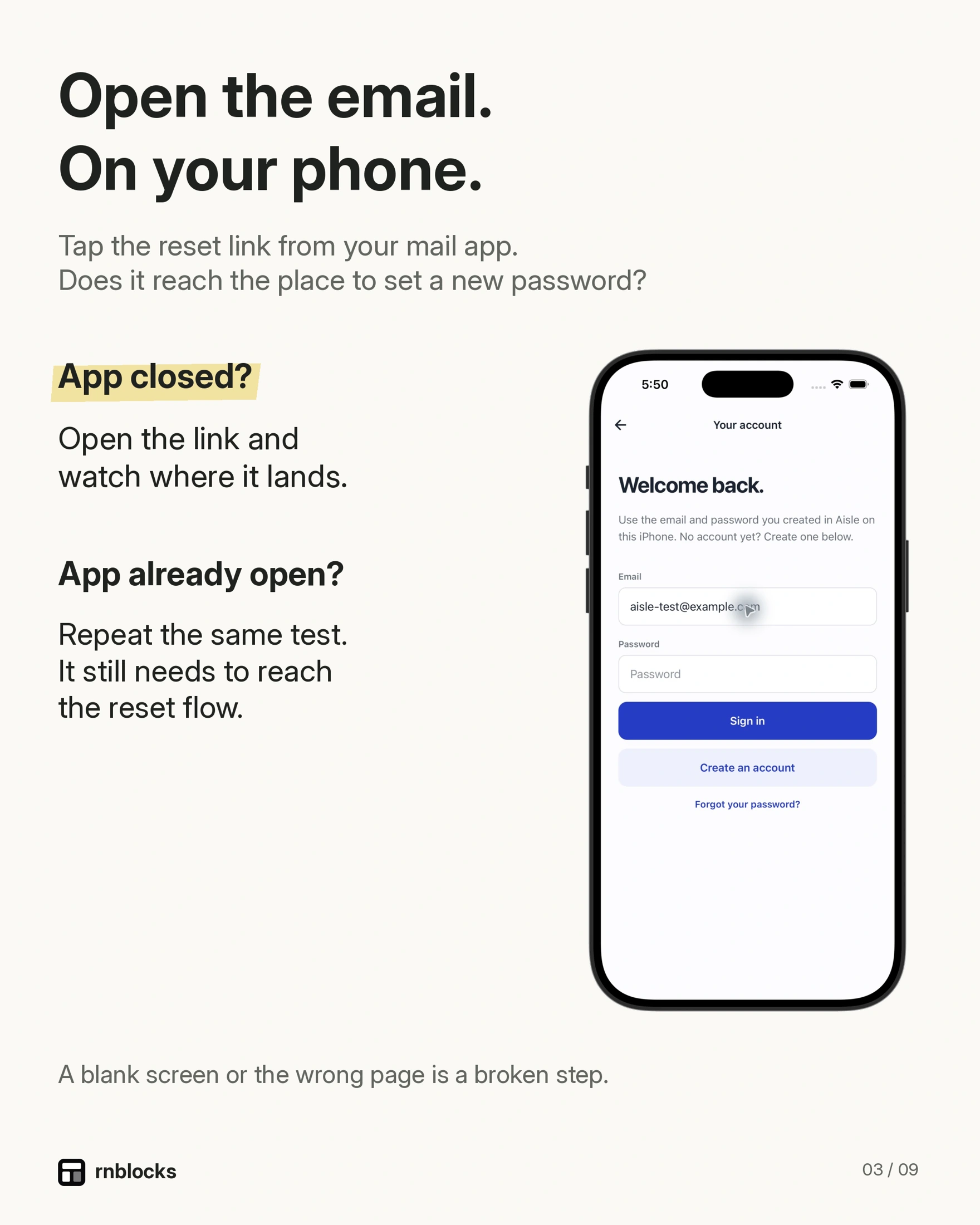
- The person opens the link, which must reach a working recovery screen in the app or an appropriate web flow.
- They set a new password that meets your rules.
- They sign in with it.
What usually goes wrong
- The email lands in spam or uses a default sender name.
- The link opens a website instead of the app (deep linking not set up).
- The link has expired by the time someone opens it.
- The new password is accepted, but old sessions stay signed in.
Test checklist
- Reset with a real email address you can access.
- Open the link on the phone that has the app installed.
- Try an expired link and a reused link.
- Sign in with the new password on a second device.
The link needs a complete destination
A password-reset email can open an app through a deep link or a properly configured web recovery page. Either route can work. The problem is a link that lands somewhere unable to finish the reset, not simply the presence of a browser.
Decide what happens when the app is installed, when it is not installed and when someone opens the email on another device. Test the redirect configuration for the real build and domain you plan to release.
Write the journey before testing it
Use an account you control with a harmless saved record. Request a reset, open the email, set a new password and sign in. Confirm the saved record still belongs to that account. Changing credentials should not accidentally create a second empty account.
Try requesting another reset while the first email is still in the inbox. The person needs a clear explanation if they open an old or already-used link. Avoid an endless loop that returns them to the sign-in screen without saying what happened.
Email delivery is part of the feature
A reset form working in a preview does not establish that email delivery is configured for production. Check the sender, delivery limits and provider setup. Use real inboxes you control and inspect spam placement.
The email should identify the app and explain what the person requested. It should not include their password. If they did not request the reset, they should understand whether any action is needed.
Handle sessions intentionally
Changing a password and invalidating other sessions are related but distinct behaviors. Decide what your authentication provider does and what your product requires. Do not promise that every device is signed out unless that behavior is implemented and tested.
A recovery flow may establish a temporary session for changing credentials. Check that the app shows the correct recovery screen rather than navigating away immediately because it sees an authenticated user.
A release checklist
- A current reset email reaches an inbox you control.
- The link completes recovery on iPhone and Android where supported.
- Expired and reused links show a useful next step.
- The new password works and the old one no longer authenticates.
- Existing saved data remains associated with the same account.
- Other-session behavior matches the intended policy.
Never ask testers to send passwords or reset tokens in a support message. Ask for the failed step, device and a screenshot with private information removed.
A successful login is only the beginning of account access. Recovery matters because it is the path people use when they are already frustrated and cannot reach their own information.
Must the person use the same phone for the email?
Not necessarily. Decide what your supported recovery route does across devices and when the app is absent. A suitable web fallback can be intentional. Test it instead of assuming everyone opens email in the same place.
Should the email reveal that an account exists?
Use an appropriate neutral response to the request, such as explaining that instructions will be sent if the account is eligible. Coordinate that behavior with the authentication provider so the interface does not leak membership through different responses.
Does the old password stop working immediately?
New authentication should use the updated credential. Existing sessions follow the provider and application's session behavior, which may be separate. Test both rather than treating a password change as proof that every device was signed out.
Can I test with the preview only?
A preview can reveal some interface issues, but installed-app links and redirect configuration need the real environment. Use the release candidate for the final account-recovery check.
What should support ask for?
Ask which step failed, the device and the visible message. Ask for screenshots with private information removed where useful. Never ask for the password, the full reset link or a one-time token. Keep the conversation about the failed journey, and avoid making the person explain their whole app or account history again.
Build it with RNBlocks
RNBlocks apps can use Supabase Auth for supported account workflows. Ask our agent for recovery behavior and test the email-to-app journey in the actual build. Complete the account experience, including access to saved information, before treating login as ready.
Ready to build?
Build, connect and publish iOS and Android apps with AI.