How Long Does App Store Review Take in 2026, and What Slows It Down?
Typical App Store and Google Play review times, the most common reasons for delays and rejections, and how to avoid a second round.
How long does App Store review take?
App Store review has no guaranteed completion time for an individual submission. Account verification, build processing and review are separate waits. Missing access, app defects or incomplete information can add a correction and another review round. Check the status of your actual submission before estimating a launch date.
What slows a review down
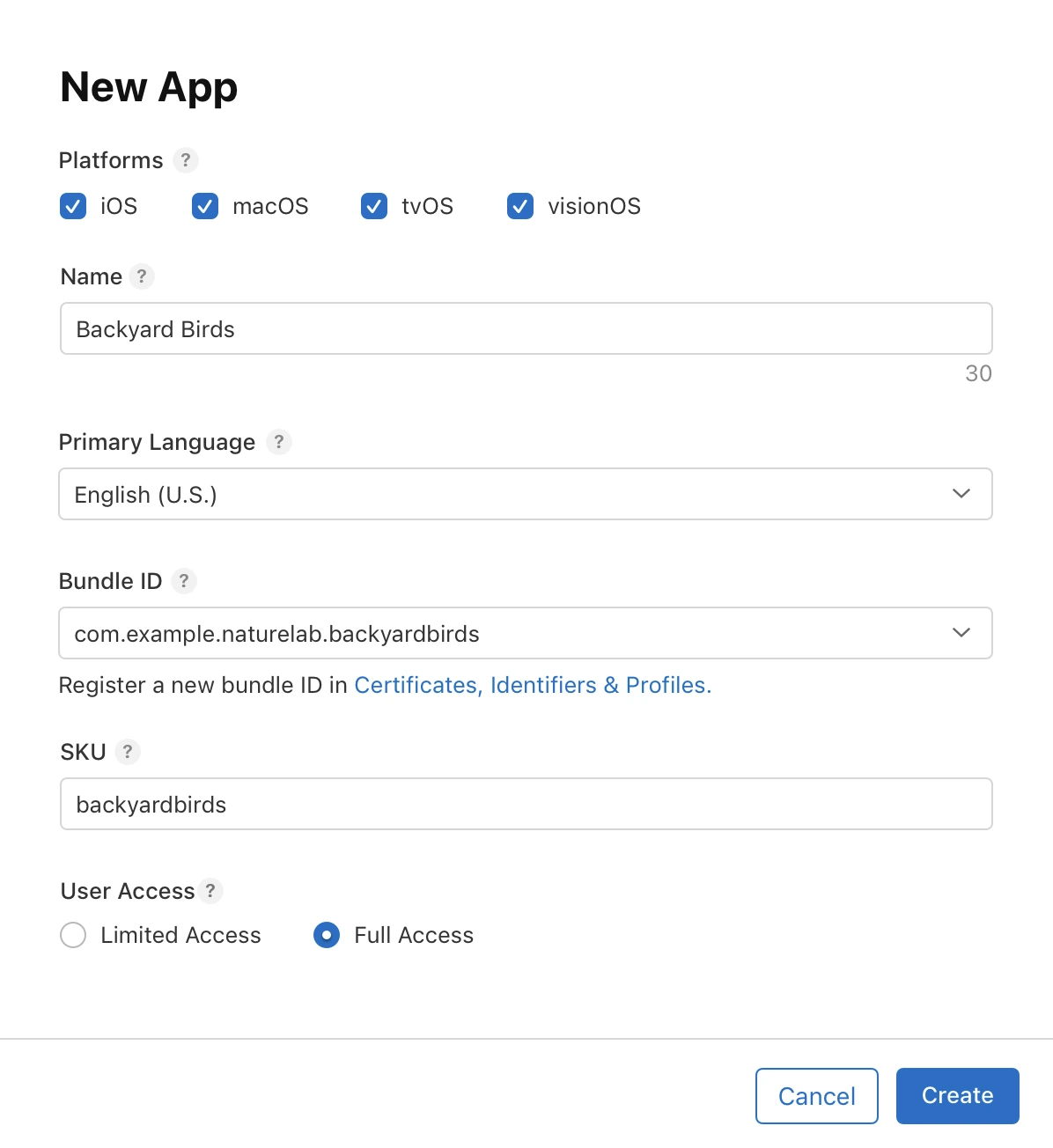
- Missing demo access: if your app has sign-in, Apple needs a working demo account in the review notes.
- Incomplete information: missing privacy policy, wrong App Privacy answers or placeholder support URLs.
- Crashes or broken flows on the reviewer's device.
- In-app purchases that need their own review alongside the app.
- Holiday periods, when Apple announces slower processing.
The most common rejection reasons
| Reason | What to check |
|---|---|
| App crashes or has obvious bugs | Test the exact build you submit on a real phone |
| Incomplete metadata | Screenshots match the app; description is accurate |
| Sign-in problems | Demo account works; Sign in with Apple offered where required |
| Account deletion missing | Apps that create accounts must let people delete them in the app |
| Minimal functionality | The app does something useful beyond a website wrapper |
| Privacy | Purpose strings for camera, location and other permissions are specific |
How to get through on the first try
- Test the store build itself, not only the preview.
- Write clear review notes: what the app does, how to sign in, where key features are.
- Make every link in the listing work.
- Explain each permission with a real reason, such as "To scan your receipts".
There are several clocks in a release
A launch can feel stuck even when App Review has not started. Your developer account may still need verification. A completed build can be waiting for processing. The version may be missing a declaration, or an approved app may be waiting for manual release.
Check the current status before estimating the wait. 'Uploaded yesterday' and 'submitted yesterday' describe different events. Build processing, beta review, production review and release propagation should each have their own entry in your launch checklist.
Plan around uncertainty, not a promised day
Apple publishes general review targets, but they are not a deadline for your individual app. An unusual feature, incomplete information or a problem reproducing a task can extend review. Google's processing and review stages also have their own timelines. Do not announce a fixed launch hour while approval remains uncertain.
For a first launch, finish the build and store materials before booking time-sensitive promotion. If you need to coordinate an announcement, manual release after approval can give you more control. Check the selected release option rather than assuming an approved version immediately becomes public.
Make the review notes usable
Consider a gym app where only members can reserve classes. A reviewer opens the app without your local membership data. They need a working account, a visible class with space and enough information to make a booking.
Good review notes explain where to sign in, how to reach the core feature and any conditions needed to try it. Mention hardware dependencies or limited service areas. Keep the backend running while the review is pending, and avoid filling the test class with other test bookings.
You do not need a long promotional essay. You need instructions that let someone unfamiliar with the app reproduce the important journey.
What to do while waiting
- Confirm that the version actually reached the review queue.
- Watch the store's messages and the contact inbox on the account.
- Keep demo credentials valid and sample data available.
- Prepare help material and a response process for launch-day issues.
- Avoid replacing a queued submission just to fix an unrelated cosmetic detail without considering the extra review cycle.
If the app is rejected, classify the issue. Missing access can sometimes be resolved with information. A crash, misleading screenshot or missing required feature may require a corrected submission. Respond to what the reviewer asked rather than arguing that the preview worked.
Build a release buffer into your plan
For example, separate 'release candidate tested,' 'submission complete,' 'approval received' and 'public launch' into four milestones. You can control the first two more directly than the third. The fourth depends on your chosen release setting and store availability.
After launch, open the public listing from a device or account that is not your development session. Check the countries you intended to support and install the public version. A green status inside a builder is useful information, but the customer's install is the outcome you are trying to reach.
Give the announcement its own milestone
Prepare the announcement while review is pending, but keep the release claim tied to actual availability. After approval, check the chosen release setting and open the public listing from a suitable device. If you serve several countries, verify the intended availability rather than assuming one visible listing proves every region is live. This avoids sending people to an unavailable download while the release is still progressing.
Questions people also ask
Can I speed up App Store review?
Apple offers an expedited review request for urgent cases such as a critical bug fix. Use it sparingly.
Does an update need review too?
Yes. A new binary submitted for public release needs review. Eligible content or compatible remote updates follow different rules. See why a small update needs review.
Build it with RNBlocks
Use RNBlocks to build the app and prepare its release materials with our publishing agent. Screenshots, store details and build results sit alongside the release conversation, making it easier to work through preparation before submitting. Start free and check the paid-plan requirements when you reach build and publishing work.
Ready to build?
Build, connect and publish iOS and Android apps with AI.