Do I Need a Server for My App?
What a server does, which apps need one and which do not, and why you do not need to run your own machines.
Does my app need a server?
You need a server (a backend) when the app needs shared or cross-device data, trusted operations or private service credentials: shared data like messages or orders, accounts that work on any phone, payments, or secrets that must never sit inside the app. A purely personal app that keeps everything on the phone, like a private shortlist or a simple timer, may not need one at first.
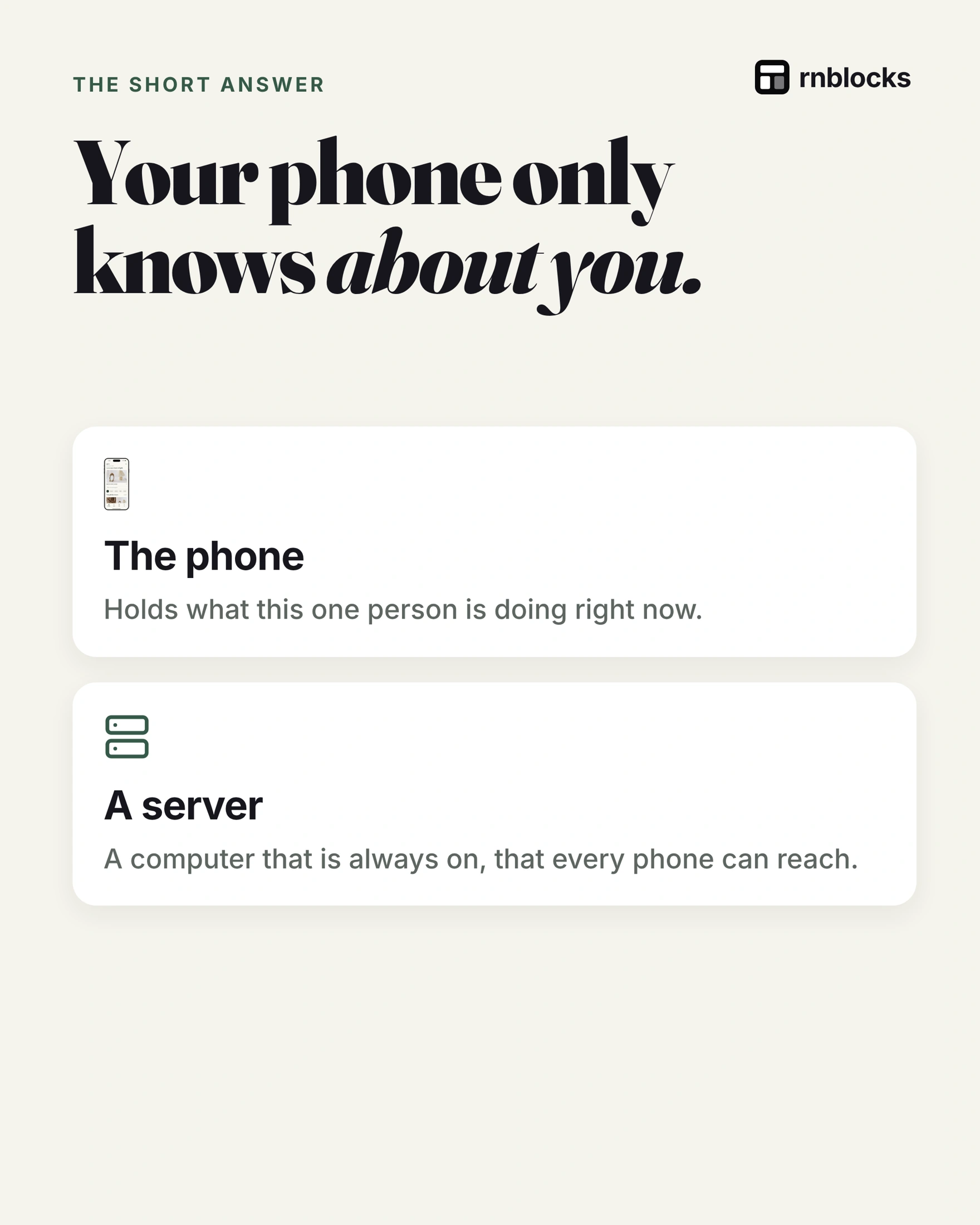
Your phone only knows about you
The phone holds what one person is doing right now. A server is a remote service the app contacts over a network. When the app needs to know about anyone else, it asks the server.
What a server actually does
- The app asks: "Show me my orders."
- The server checks: who is asking, and are they allowed?
- Then it answers: reads or saves data in a database and replies.
The code that runs there is called the backend.
When you do need one
- Shared data: messages, orders, bookings, leaderboards.
- Accounts: sign in on any phone and see the same things.
- Payments and secrets: API keys and payment logic must not live in the app's code.
A common mix-up
You do not need a room full of machines. Most apps rent server space from a provider such as Supabase or Firebase and pay as they grow. Many have generous free tiers for small apps.
Do you need a server? Ask:
- Do people share anything? Messages, posts, orders: yes.
- Should data follow an account? New phone, same data: yes.
- Only personal, offline use? You might not need one at first.
A backend is a role, not necessarily a machine you manage
You do not have to rent a virtual machine and maintain its operating system to give an app a backend. Managed services can provide authentication, a database, file storage and functions that run your private business logic.
The important question is where trusted decisions happen. A phone can request a booking, but it should not be allowed to declare that a full class has available places. A shared service checks the current capacity and decides whether the booking can be accepted.
Example: a private tracker becomes a shared app
A personal workout log can store entries locally. It may need no account or remote service. If the user loses their phone, though, the product needs a clear backup story.
Now add a coach who can review the log from another device. You need shared storage, a way to identify the athlete and rules describing what the coach may see. Adding a login screen alone does not implement that sharing.
If you later add AI feedback, a private provider key and usage limits belong in trusted server-side code. That can introduce a backend requirement even before you add social features.
Divide responsibilities deliberately
| Phone | Backend |
|---|---|
| Display today's workout | Store the authorized user's history |
| Validate an empty field quickly | Validate every submitted record again |
| Show a pending save | Confirm whether saving succeeded |
| Hold cached information | Enforce shared access and business rules |
Client-side checks make the app pleasant to use. Server-side checks protect the rules when a request arrives from somewhere other than your normal interface. Both matter.
Plan for ordinary failures
A server is not literally guaranteed to be reachable at every moment. The phone can lose signal, a provider can have an outage and a request can time out after the server already saved it.
Decide what the app shows in each case. For a private note, it may keep a pending local copy. For a paid booking, it should check the existing status before asking the person to pay again.
Start with the services you need
List accounts, shared records, files and private integrations separately. Choose a managed service that covers the needed parts and estimate costs from expected usage. Avoid adding multiple overlapping backends without a reason.
The simplest first version is not always server-free. It is the version with enough backend support to keep its promises about saving, sharing and privacy, without infrastructure unrelated to the main task.
Is every local app missing something?
No. A private timer or local checklist can be intentionally simple. If there is no account, shared information or remote feature, a backend may add cost and complexity without solving a user problem. Be clear about backup and device replacement so people understand the trade-off.
Can I add a backend later?
Often, but plan the transition. Existing local records need identities and a way to associate them with an account. Decide whether to upload them, merge them with existing cloud records or ask the person. Otherwise adding sign-in can make a useful local list appear to disappear.
What should I ask an AI builder?
Describe the promise: 'Keep my notes on this phone for now, and explain that they do not sync.' Or: 'Let a member sign in on another phone and see their reservations.' Those requests define the need more clearly than choosing infrastructure before the behavior is understood.
Name the trusted decision
For each remote action, write who should be allowed to request it and which service decides the result. That simple exercise makes the backend's purpose clearer than choosing server terminology first.
Build it with RNBlocks
In RNBlocks, describe what should be saved and who should access it. Our agent can help connect Supabase for supported account and data workflows. Start free with the main screen, then review and test the backend behavior needed to make that screen useful.
Ready to build?
Build, connect and publish iOS and Android apps with AI.