
How to Change Your App by Describing It: Writing Good Change Requests
Write change requests an AI app builder gets right the first time: name the screen, the problem and the expected result.
How do I ask an AI builder to change my app?
Name the screen, describe the current problem and state the expected result, one change at a time. Then repeat the same task in the preview to check it.
Instead of, try
| Instead of | Try |
|---|---|
| Add AI | Use OpenAI to suggest a recipe from the ingredients I enter. |
| Make it work | When I tap Save on a destination, add it to Saved and keep it after I reopen the app. |
| Make it professional | Use a consistent 16px body size, fewer card borders and one clear primary action. |
Report bugs so they can be fixed
On iPhone, open Saved, tap the first destination and go back. The saved list becomes empty until I reload. It should keep the saved places.
Add references carefully
Attach images or describe what matters in a reference: hierarchy, spacing, color or navigation. Keep account credentials out of prompts.
Give the agent a small, observable target
A change request works best when you can tell whether it happened. 'Make the home screen better' does not define a result. 'On Home, show the next booked class above the weekly schedule' identifies the screen and desired hierarchy.
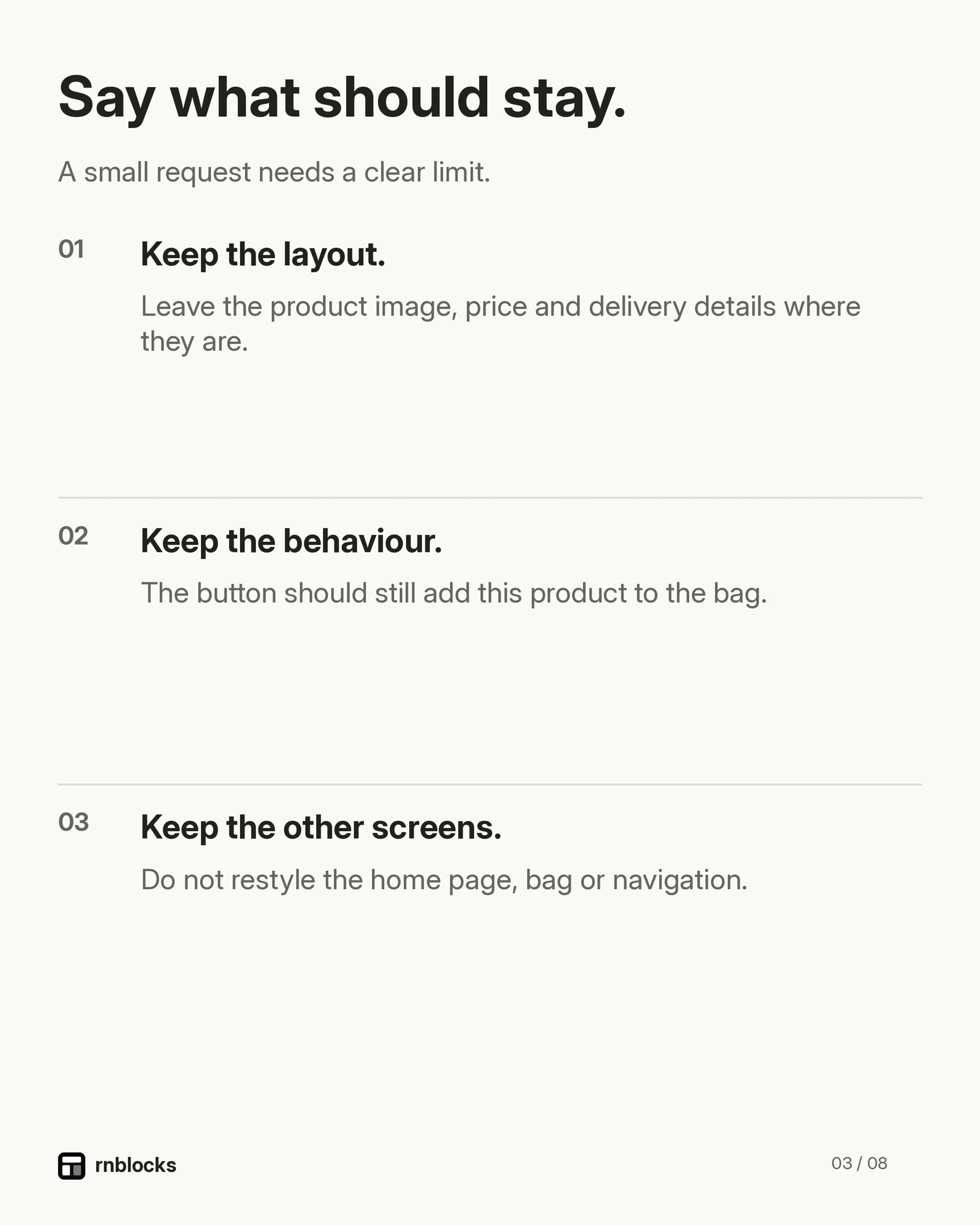
Add what should stay the same when that matters. You can preserve navigation, colors and data while changing one part of a layout.
Separate design changes from bug reports
For design, describe what is hard to read or use and provide a reference if helpful. For a bug, give the sequence that causes it, the actual result and the expected result.
For example: 'After I save a place, open Details and return, Saved becomes empty. It should keep the place without reloading.' That is more actionable than 'saving is weird.'
Use references with a purpose
A screenshot can show spacing, hierarchy or a layout pattern. Say which part matters. Otherwise the agent may copy colors or navigation you did not intend to change.
Use references you can lawfully share and remove private information. Do not attach a customer's account screen merely because it contains realistic data.
Break a large request into checks
Suppose you want accounts, saved places and cross-device access. A useful sequence is to establish sign-in, verify per-user saving and then check another device. The feature is related, but each part has a result you can inspect.
You can ask the agent to plan the whole feature first. The point is not a rigid rule of one sentence per message. It is keeping implementation and review understandable.
Avoid repeating an uncertain action
If a request appears interrupted, inspect the current app and conversation before resending it. The operation may have completed even if the response did not reach you.
This is particularly important for actions that create records or start external jobs. Another request can create duplicates rather than repair the missing feedback.
Verify at the right level
A typography change needs a visual check on relevant screen sizes. A saving fix needs reopening and, where promised, another device. A permission feature needs the real operating-system choices.
Keep the original test steps and repeat them after the change. Then try one neighboring task to catch an obvious regression.
Write the next request from what you observed
If the result is partly right, describe the remaining difference without discarding the working part. 'The place now stays saved. Keep that behavior, but remove the duplicate confirmation message.'
This makes iteration more efficient and protects progress. Clear requests do not guarantee a perfect result, but they make misunderstanding and verification much easier to handle.
Should I mention technical details?
Use details that help identify the problem, such as the device, screen and exact error. You do not need to guess an implementation fix. Describing the expected result can be more useful than insisting on a particular library without a reason.
What if several screens need the same change?
Explain the shared rule and list the affected screens. Related work can be grouped when the intent stays clear. Review each important screen afterward rather than assuming one changed example proves all were updated.
Can I ask to preserve the design?
Yes. Say which parts should remain, such as navigation, colors and spacing outside the target area. This reduces accidental scope expansion, although you should still inspect the result.
What if the agent says it is fixed?
Repeat the original task and check the expected outcome. A completion message is useful context, but it does not replace trying the change. If it still fails, report the remaining behavior precisely.
A reusable request pattern
Use screen, current behavior, desired behavior and what to preserve. Add a reference only if it clarifies the intent. Then verify the result before another change. This pattern works for a design refinement, a saving problem or a navigation issue without turning every message into a technical specification.
Questions people also ask
Should I ask for many changes in one message?
One focused change per message is easier to check and undo. Group only small, related tweaks.
What if the change made things worse?
Say exactly what happened and what you expected. Check the latest saved result before sending the request again.
Does each change use credits?
Yes. Longer conversations and larger changes use more credits, so clear requests save money.
Build it with RNBlocks
Start free in RNBlocks and keep refining your app in the same conversation. Name the screen, the change and what should remain. Our agent helps implement the request while you check the result against the task you actually want to improve.
Ready to build?
Build, connect and publish iOS and Android apps with AI.