Bolt vs RNBlocks for Native iOS and Android Apps
Both Bolt and RNBlocks can build Expo mobile apps. How their workflows differ from first prompt to store release.
Which is better for mobile apps, Bolt or RNBlocks?
Both can create React Native and Expo apps. RNBlocks focuses on mobile, with service connectors and our publishing agent bringing store screenshots, release details and supported build and submission work into the same workspace. Bolt supports web and mobile projects, with an Expo workflow that can involve additional tooling. Compare the actual path from your first prompt to a tested installed app, including the steps you would need to finish outside the builder.
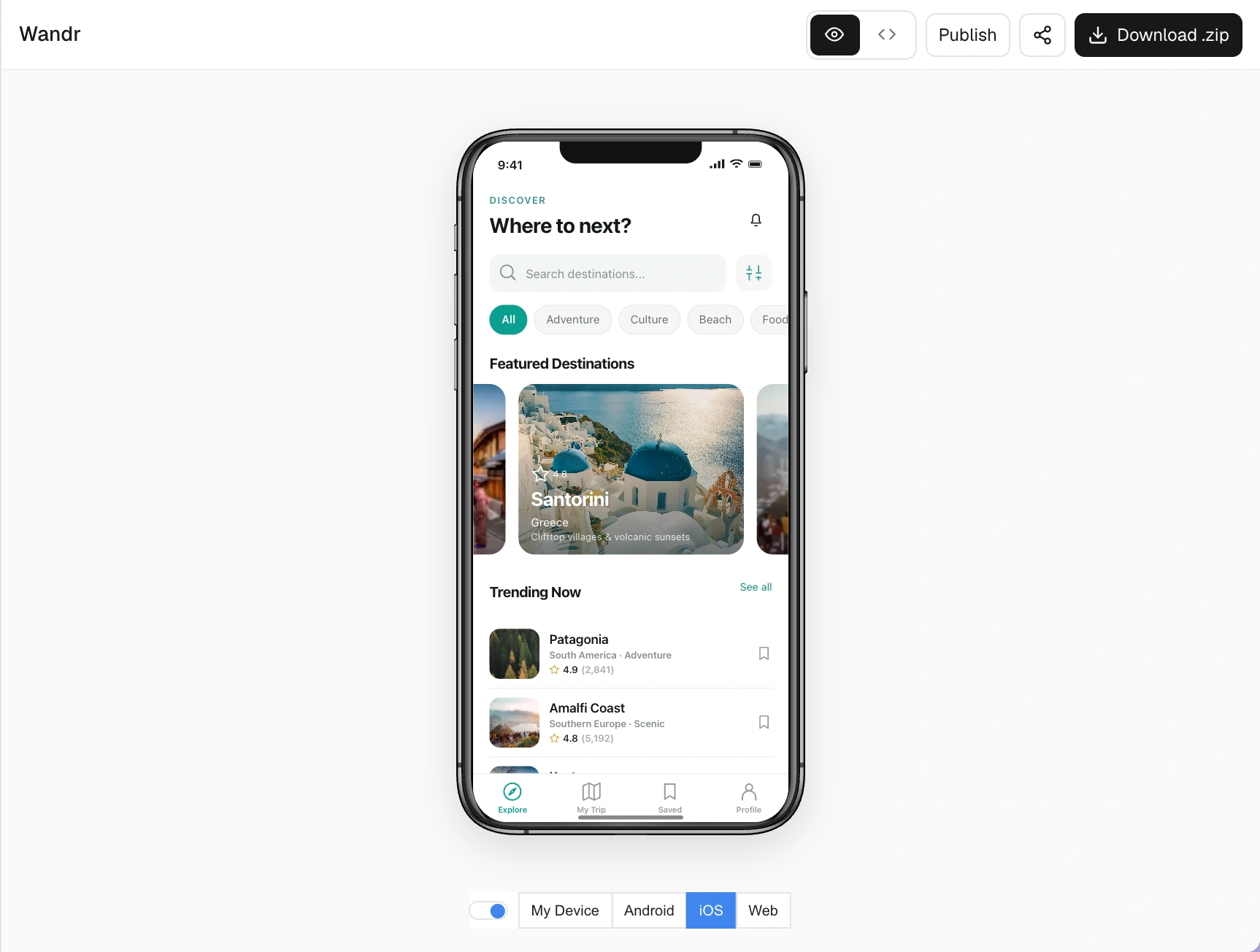
Workflow comparison
| Step | Bolt (per its Expo guide) | RNBlocks |
|---|---|---|
| Build | Prompt-based editor, web and mobile | Prompt-based Studio, mobile only |
| Preview | Expo Go on your phone | iOS and Android previews, Expo Go on your phone |
| Builds | EAS with downloaded code and local setup | Prepared from the Publish workspace |
| Store assets | Prepared separately | Screenshot and listing tools in Publish |
| Submission | Provider consoles | Publishing agent plus provider consoles where required |
How to decide for yourself
Run the same small test in each tool:
- Build one real journey: sign in, save something, see it after reopening the app.
- Ask for one change and check how easily you can follow and undo it.
- Install the result on a real phone, not just the preview.
- Follow the release path far enough to see which accounts, builds and steps are needed.
Prices and features change often, so check each tool's current pricing page before deciding.
Make sure the project starts in mobile mode
Bolt can work on both web and mobile projects. If you want React Native and Expo, make that explicit at the start. A responsive website displayed inside a phone-shaped preview is not evidence of a React Native project. Check the actual framework and project files before spending several rounds refining it.
A practical brief is: 'Build an Expo mobile app for iPhone and Android that lets a coach create a session, mark attendance and reopen previous sessions.' State whether attendance is local or shared across accounts. Keep sample data separate from the real saving behavior you expect.
Compare where the work happens
A builder can generate code while another tool handles signing, installation and store submission. That is a legitimate workflow, but someone has to connect the stages. Write down the steps you would personally need to perform in each product, rather than comparing only the first generation.
For Bolt, follow its current mobile documentation for the project type you created. For RNBlocks, inspect the Publish workspace and the supported provider connections. Account enrollment, agreements and store decisions still happen with Apple and Google. Neither a successful export nor a completed build is a public release.
A useful comparison task
Create the same coaching-session app in both products. Record attendance, close the app and return to the session. Change the session time without redesigning the attendance view. Then test the result on a real phone.
If a feature needs a native library outside Expo Go, include a development build in the trial. Otherwise you may choose a product based on a preview that does not exercise the hardest part of your app.
Compare how errors are explained and whether you can tell which changes have been applied. The goal is not the fewest messages at any cost. It is a working journey you can understand and maintain.
Which would suit you better?
Bolt may fit someone already using its web workflow who is comfortable taking the project into Expo tooling or a code editor. RNBlocks may fit someone prioritizing a mobile-only workspace with connected services and release preparation alongside the app.
Before buying a plan, confirm export access, usage allowances and the exact publishing route. Include backend and developer-account costs in your estimate. Do not assume a builder subscription pays for the services your finished app calls.
Avoid comparing different deliverables
A local demo with sample attendance, a shared app with real accounts and a reviewed store release are three different deliverables. Ask each builder to reach the same one. If you already have code, do not assume it imports into RNBlocks automatically. Estimate the rebuild and reconnection work before switching.
What should I keep from the comparison?
Keep the brief, the test steps and a simple record of what each tool delivered. Separate a generated screen from a confirmed data operation and an installed build from a store upload. Those distinctions make the decision easier to revisit when features or plans change.
Is switching necessary if the app already works?
Not automatically. A working project has value. Identify the blocker you want a new tool to solve and prove that the new workflow handles it before starting a rebuild. A different editor is not a benefit by itself if it adds migration work without improving the outcome.
Keep the trial small enough to finish
Avoid adding payments, messaging and scheduling before you have checked one saved session. The same limited brief makes the tools easier to compare and reduces paid iteration spent on unrelated scope. Once the basic task works, test the integration most important to your app. That is where a practical workflow difference is more likely to appear than in a generic home-screen design.
Build it with RNBlocks
RNBlocks focuses on building and publishing iOS and Android apps with an AI agent. Start free with a specific task, refine the result and connect the services it needs. Store screenshots, release details and supported build work continue in the publishing workspace.
Ready to build?
Build, connect and publish iOS and Android apps with AI.