
What Should an App's Onboarding Include, and How Short Should It Be?
Onboarding should get people to the main task fast. What to include, what to cut, and when to ask for an account.
How short should app onboarding be?
Keep the path to the first useful task short. Ask only for setup the task needs and explain it at the relevant moment. Some apps can delay signup; private or team-based apps may need it before showing data. There is no universal ideal number of screens or minutes.
What to include
- One line on what the app does, if the first screen does not make it obvious.
- One or two choices that genuinely change the first screen (a goal, a city, a level).
- The main task, with an example or sample data so it is never empty.
What to cut
- Swipeable feature tours people skip.
- Asking for notifications before they know why.
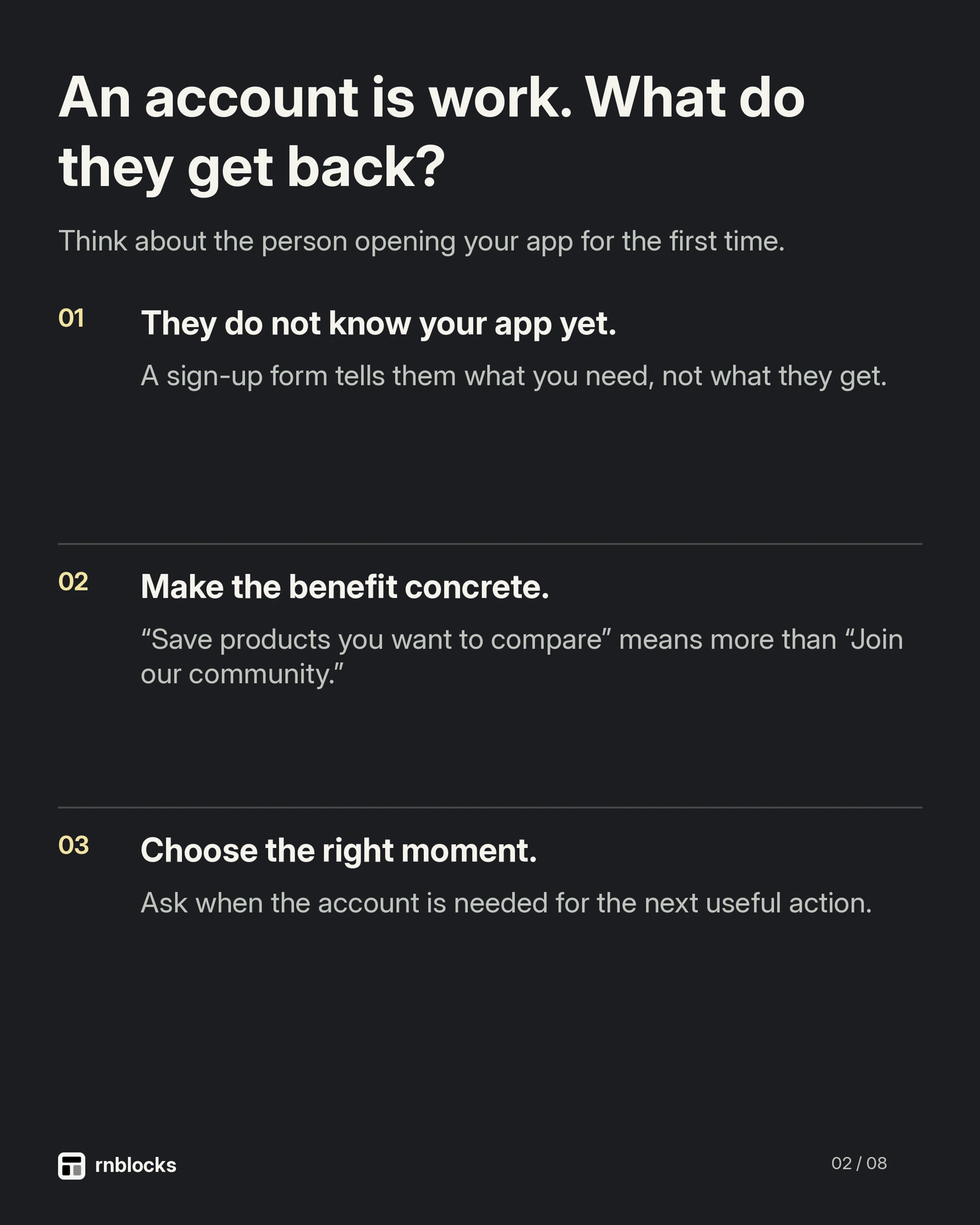
- Forcing an account before showing any value.
When to ask for an account
When the person creates something worth keeping: a saved place, a plan, a first entry. "Create an account to keep your plan" makes sense at that moment.
Measure it
Track the share of new users who finish the main task once. If it is low, onboarding is the first place to look.
The first useful moment depends on the app
A timer can deliver value within seconds. A budgeting app may need a balance and a few categories before anything is meaningful. A business app may require an invitation and sign-in because it contains private information.
Do not force every product into a one-minute rule. Remove steps that do not help the person reach the first useful result, while keeping setup that the task genuinely requires.
Use a task instead of a feature tour
For a reading app, let the person add their first book. Show an example if the empty list would otherwise be confusing. For a scheduling app, help them create one appointment rather than explaining every tab in advance.
Teach a control when it becomes relevant. A brief explanation beside the first action is often easier to remember than five introductory slides.
Ask for information you will actually use
If a choice changes the first screen, explain how. Asking for a reading goal makes sense when it sets a visible target. Asking for occupation, birthday and a profile photo without a clear need adds work and data obligations.
Offer sensible defaults and allow correction later. People should not need to understand the whole product before they can finish setup.
Match account creation to the product
Guest use can reduce friction when the task does not require an account. But a private team tool may need authentication immediately. The decision should follow access and saving requirements rather than a blanket rule that all signup is bad.
If someone tries the app as a guest and later signs in, decide how their local work moves to the account. Losing the first useful result during signup undermines the reason you asked them to register.
Measure one journey
Track first open, the important setup steps and completion of the main task. Use anonymous or appropriately protected identifiers and avoid collecting form content unnecessarily.
If people stop at a step, investigate before deleting it. They may not understand the wording, a request may fail or the promised outcome may be unappealing. A shorter flow can still be broken.
Test with someone unfamiliar
Give them a device and the task, then avoid narrating the interface. Note where they hesitate and what they expect. Check the keyboard, permission requests and empty states.
The goal is a person understanding and completing something useful. A finished onboarding animation or a high 'next' button count is only an intermediate signal.
Should I remove all introductory text?
No. Keep explanation that helps a person understand the first task. Remove repetition and instructions that are obvious from the interface. The goal is clarity rather than the smallest possible word count.
Is sample content misleading?
It can be useful when clearly presented as an example. Avoid making it look like the person's own history or a real completed action. Explain how to replace or remove it.
When should I ask for notifications?
After the person encounters a feature that benefits from them, such as choosing a reminder. An immediate prompt without context can be harder to understand. Keep a sensible path when permission is refused.
How should I handle interrupted setup?
Decide what progress remains and where the person resumes. Do not repeatedly ask for information already saved, and do not claim setup is complete if the required account or service step failed.
What is a useful onboarding experiment?
Change one meaningful obstacle, such as delaying an unnecessary profile photo or explaining why a required field matters. Compare completion of the useful task, not only completion of setup screens. Ask people where they hesitated. A higher 'next' rate is less valuable if they reach Home without understanding what to do or lose their first result during signup.
Keep the first result visible
After setup, show the thing the person just created or chose. A generic dashboard can hide that progress. Make the next action clear without immediately interrupting them with another tour, permission prompt or upgrade message.
Build it with RNBlocks
Build the first useful journey in RNBlocks and refine it from what a new person actually does. Ask our agent to remove an unnecessary step or clarify a confusing action while preserving working behavior. Start free with the task rather than an extensive introduction to features.
Ready to build?
Build, connect and publish iOS and Android apps with AI.