What Is AI App Development? Building an App with AI vs Adding AI to an App
AI can help create an app or power a feature inside it. Understand the difference, choose one useful task and plan the real data, cost and release work.
What does AI app development mean?
It can mean two different things: using AI to help build an app, or building an app that gives its users AI-powered features. A tool can do both, but the work, costs and tests differ. In RNBlocks, our agent helps create and refine a React Native app. You can also connect supported providers to add features such as AI responses, image generation or voice. Start by deciding which job you need AI to do.

AI helping you build the product
You describe the app, the agent creates or changes code, and you inspect the result. The person using the finished app may never interact with an AI model. A booking app can be built with AI while its everyday reservation process follows ordinary application rules.
The important checks remain navigation, data, permissions and the actual result. A generation message does not prove the app meets the brief. Use a small task you can test and refine.
AI becoming part of the product
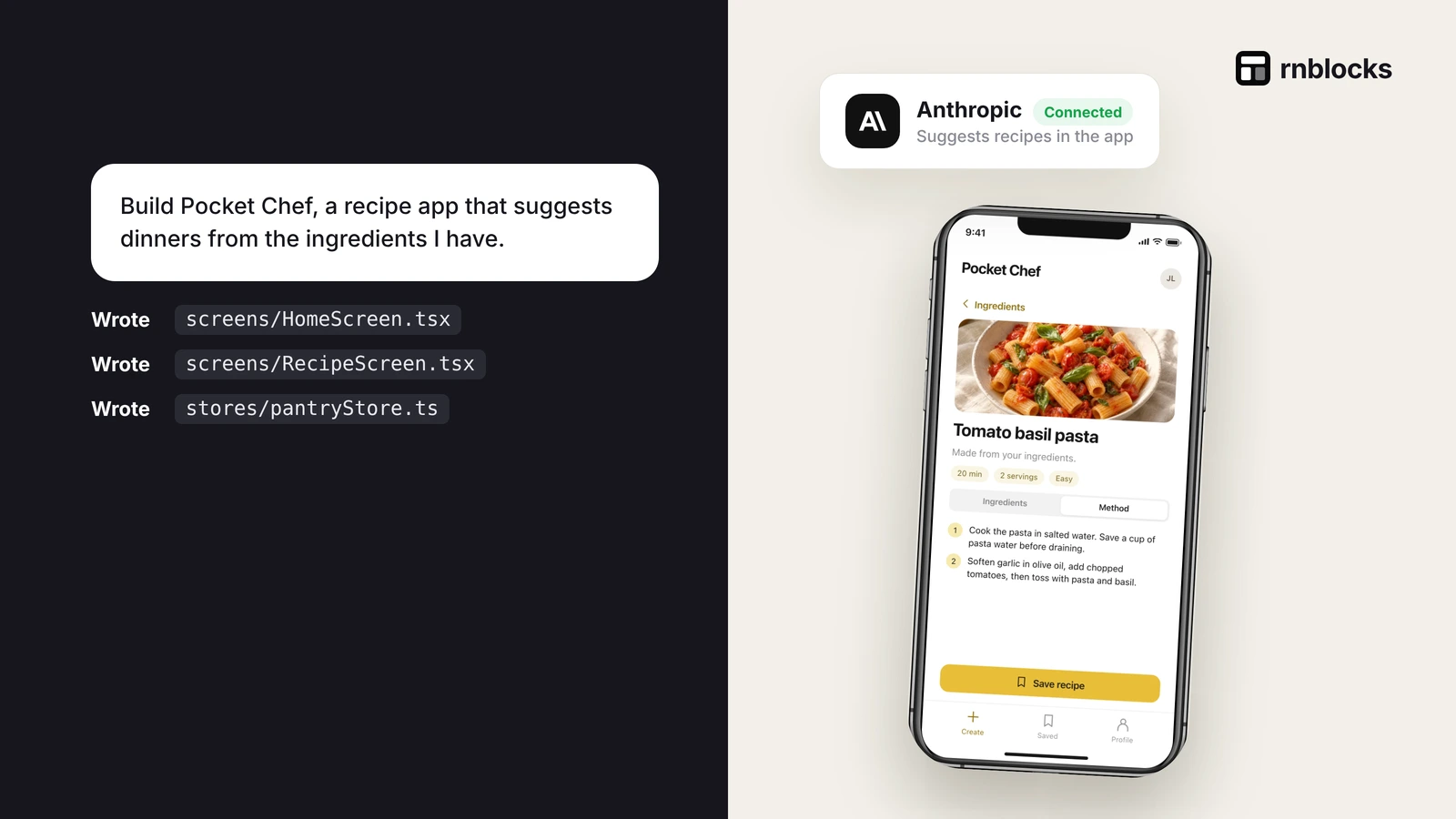
Here the app sends a user's input to a model or service and uses the response. A recipe app might suggest meals from ingredients. A travel journal might generate a cover image. A listening feature might turn text into spoken audio.
These features introduce ongoing requests after development. They need a suitable interface, waiting and failure behavior, usage controls and an explanation of information sent outside the app.
Keep the two budgets separate
| Budget | What it pays for |
|---|---|
| Building and editing | Work performed while creating the project |
| App provider usage | Requests made by the finished app |
| Hosting and data | Storage, retrieval and server work |
| Release | Relevant accounts and distribution requirements |
A builder subscription does not automatically cover unlimited image generation for every future user. Likewise, a model API account does not create the surrounding app by itself.
Choose a useful first AI feature
Start from a task people already need. In a cooking app, suggesting three meals from listed ingredients is specific. An unrestricted chatbot on every screen may have no clear purpose.
State the input, expected output and what happens next. If the person chooses a suggestion, does it become a saved plan? Can they edit it? What happens when the model omits an important constraint?
The surrounding behavior often determines whether the feature is valuable. Generating text is only one step.
Do not ask a model to make trusted decisions blindly
A model can help draft a response or organize information, but consequential operations need controlled rules and validation. An app should not grant access, confirm a payment or change another person's private records simply because generated text requests it.
Keep permissions and business rules on the appropriate trusted backend. Give the AI feature only the information and operations it actually needs.
Plan for an imperfect result
Models can produce inaccurate, incomplete or unsuitable output. Evaluate with representative examples, including missing inputs and requests outside the intended task.
Do not judge the integration from one attractive response. Keep a small evaluation set and repeat it when changing the model or prompt. Record quality, waiting time and usage rather than choosing only the most impressive demonstration.
Keep secrets and private inputs under control
Provider credentials belong in the supported private connection workflow and trusted service, not in the mobile client or a public prompt. Apply suitable per-user limits and request validation.
Tell people when their text, image or recording leaves the app. Avoid sending unnecessary account details to a model. Review the selected provider's settings and terms for the information involved.
Make waiting understandable
A streamed answer, a generated file and a background image job behave differently. The interface should explain the actual status without invented progress. Preserve the person's input if a request fails.
Before retrying an uncertain paid job, check whether it already completed. A missing response can be a connection problem rather than a failed generation. Repeating the request automatically may create another charge.
Can I build an AI app without coding?
You can start with a conversational builder and supported integrations. You still need to define the task, review the generated behavior and test the service calls. Complex or sensitive requirements may need specialist help.
Does every app need AI?
No. A reliable list, booking or reminder can be useful without a model. Add AI when it improves a specific task enough to justify the cost and complexity. Building with AI does not require making AI the product's headline feature.
Which model should I use?
Choose from representative results and the feature's needs. A short classification task, long conversation and image-generation request have different requirements. Avoid assuming one provider or model is best for every job.
How do I know the feature works?
Complete the whole journey: enter an input, receive the result, use or save it and return later. Test a failure, a usage limit and an ordinary incorrect input. A saved credential or one successful response is only part of the check.
Keep the feature understandable without the label
Explain the result in ordinary language, such as suggesting meals from ingredients or reading a step aloud. If the benefit is unclear without saying AI repeatedly, revisit the task. The model is a way to deliver a result, not a substitute for knowing why someone needs that result in the first place.
Build and connect in RNBlocks
Start free in RNBlocks with a useful mobile task. Our agent can help create the app, refine it and connect supported AI, image or voice services when needed. Keep the feature focused, test the actual result and continue toward release preparation when the app is ready.
Ready to build?
Build, connect and publish iOS and Android apps with AI.