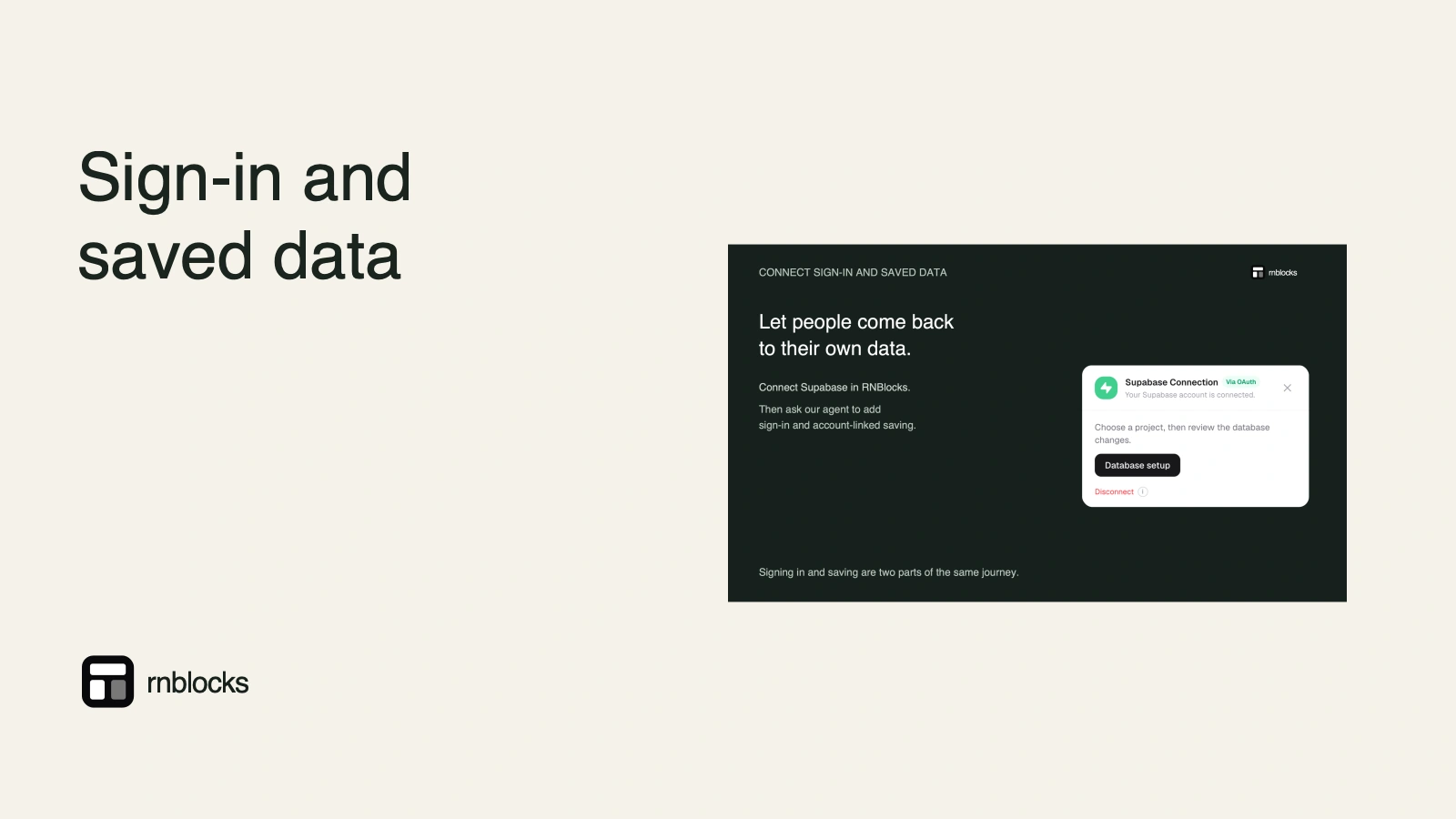
How to Add Sign-In and Saved Data to an App with Supabase
Connect Supabase to your RNBlocks app for accounts and synced data, review database changes, and test with two accounts.
How do I add accounts and saved data to my app?
In RNBlocks, ask for the feature in plain words, such as "Let people sign in and keep their saved places on every device". The agent asks to connect Supabase. Complete the connection, review the database changes it proposes, approve them, and test sign-in and saving with two different accounts.

Steps
- Ask for the feature and say whether data should sync across devices.
- Connect Supabase from the request, or App options (+) → Connectors → Supabase.
- Review database changes: what tables change and which data is affected.
- Test: sign up, save something, sign out, sign in on another device.
- Check privacy: a second account must never see the first account's data.
Costs
Supabase has its own plans and billing, separate from RNBlocks credits.
Describe the information before the connection
For a travel app, say exactly what belongs to an account: saved places, trip names and private notes. Say which information is public, such as the destination catalog. 'Add a database' does not explain those boundaries.
Also decide whether a person can use the app before signing in. If guest saving is supported, define how those local places move to the account later.
Choose the intended project
A Supabase account can contain more than one project. Confirm which project RNBlocks should use before reviewing changes. Keep experiments separate from a live customer database where possible.
Read the proposed tables and access changes. If a proposal removes or replaces existing records, understand the effect and recovery plan before approving it. A successful connection is not approval for every future database change.
Authentication and data access need separate rules
Supabase Auth identifies the person. Database permissions and row-level policies decide what they may read or change. A private saved-place record should be associated with the right user and protected by suitable policies.
Test all relevant operations, including changing and deleting a record. Showing only the current user's records in the interface is insufficient if the backend accepts requests for someone else's data.
Files have their own access behavior
If users upload trip photos, those files live in storage while related details may live in database tables. Decide whether images are public, private or shared with selected people. Database row rules do not automatically express every storage rule.
Check whether someone without access can still open a previously copied file URL. Choose the storage and sharing design that matches the promise made in the app.
Run a two-account exercise
Create sample accounts A and B. Save a place as A, restart the app and confirm it remains. Sign in on another device as A and confirm the cloud record appears. Then sign in as B and verify that A's private items are not available.
Return as A and edit or delete the item. Check the other device after refreshing. If offline work is promised, add a separate offline-and-reconnect test; connecting Supabase alone does not implement it.
Finish the account lifecycle
Test email verification, password recovery and logout. Configure the real app's redirect destinations for authentication links and social providers. Preview callbacks are not automatically the same as callbacks in a store build.
Before release, add the appropriate account-deletion process and align the privacy information with what is stored. Keep private service credentials out of client code and use the supported connector workflow. The feature is complete when the right person can save and retrieve the right data, not merely when a green connection status appears.
Does a connected status mean accounts are ready?
It confirms a connection step, not the entire user journey. Signup, recovery, record access and cross-device saving still need verification in the app.
Can I connect an existing project?
Use the supported project-selection workflow and review proposed changes carefully. Existing data and other clients may depend on the current structure. Prefer a suitable test environment when exploring a new feature.
Should I disable row-level security if saving fails?
No. Investigate the account, grants, policy and request first. Removing protection can make the action work by exposing information rather than correcting the intended access.
Does realtime make saving work offline?
No. Offline work needs local persistence, a queue and reconciliation appropriate to the task. Add that requirement explicitly if users need it.
What should I tell the agent?
Describe the owner and lifetime of the record: 'Each signed-in person has a private saved-place list that appears on another phone using the same account.' Then check that exact behavior. Include deletion and account switching in the test. This connects the database setup to a useful feature rather than stopping at tables and connection indicators.
Questions people also ask
Do I need a Supabase account?
Yes. Supabase is a separate service with its own free tier and paid plans. You connect your own project to the app.
Can people sign in with Apple or Google?
Social sign-in needs extra setup with each provider and a development build to test. Read the social sign-in guide.
Is my users' data private by default?
Access rules decide that. Test with two accounts and confirm neither can see the other's private data before release.
Common mistakes
- Asking for "accounts" without saying what should be saved per account.
- Approving database changes without reading what will change.
- Testing with only one account.
Build it with RNBlocks
Use RNBlocks to build the app and connect Supabase for a defined account-and-data task. Tell our agent what should follow the user across devices, review the setup and test the result. The goal is a useful saved-data feature, not simply a connected account.
Ready to build?
Build, connect and publish iOS and Android apps with AI.