How to Add AI Image Generation to an App with Replicate
Let your app generate or edit images with AI models through the Replicate connector in RNBlocks.
How do I add AI image generation to my app?
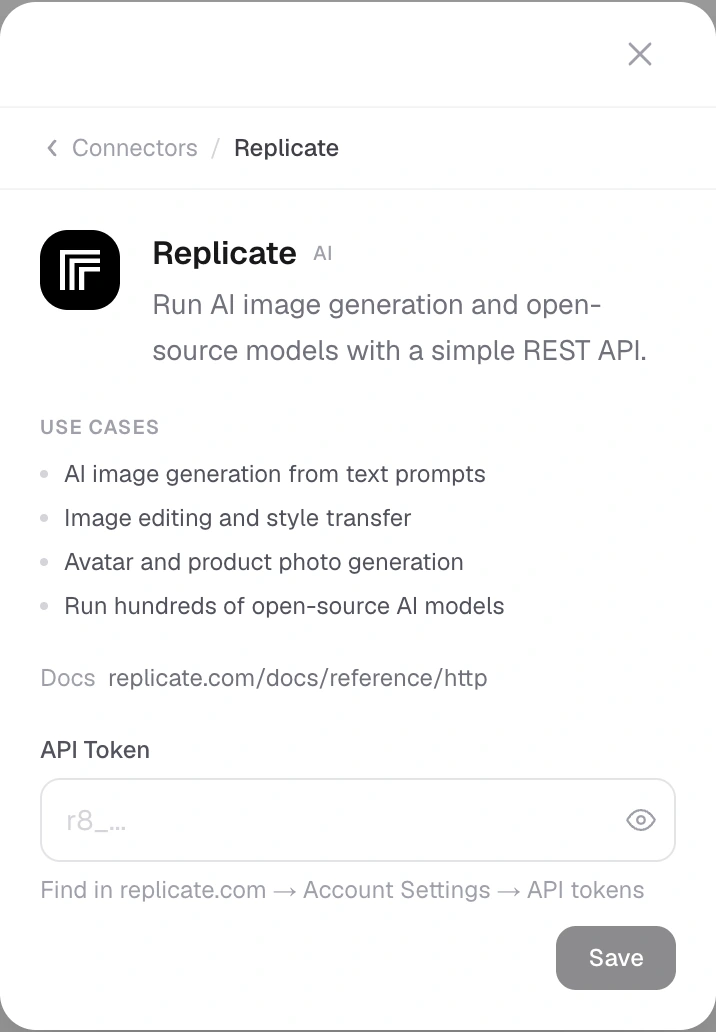
Describe the feature, for example "Generate a cover image from the trip name", and connect Replicate when asked. RNBlocks stores your Replicate token for the app. Test generation, waiting states and failures in the preview.
Tips
- Show progress while the image generates; it can take several seconds.
- Handle failures with a clear retry.
- Tell users what is sent to the provider.
Generating an asset vs giving users a feature
Making an icon for your app once is different from letting your users generate images. The second needs the connector, costs per use, and needs testing.
Decide whether you are making an asset or an app feature
Generating one logo during development is different from letting every user generate images. The second needs an interface, request handling, limits, storage and provider billing for ongoing use.
For a travel-journal app, a focused feature might generate a cover from a short trip description. Define the expected shape and purpose instead of adding an unrestricted image box with no connection to the app's task.
Choose a model for the job
Replicate hosts different models with different inputs, prices, execution times and licenses. A text-to-image model is not necessarily the right one for editing an uploaded photo. Check the selected model's current requirements and permitted use.
If you need a consistent cover size, specify the intended output and handle cropping carefully. Do not stretch a square image into a wide card and call it ready.
Treat generation as a job with a status
A request can be queued, running, successful, failed or canceled. Keep the job identifier so the app can check the result after a delay or interruption.
If the person closes and reopens the screen, do not start another paid generation automatically just because the local spinner disappeared. Check the existing job first.
Save the result deliberately
Replicate's API prediction outputs are not permanent asset hosting. Its documentation describes automatic deletion of API prediction data and files after the retention period, commonly one hour. Copy results you need to keep into suitable storage.
A temporary output URL appearing in the preview does not establish that the image will still load tomorrow. Confirm long-term storage and the permissions attached to it.
Build useful failure behavior
| Problem | What the app should do |
|---|---|
| Unsupported input | Explain the input requirement before another request |
| Provider failure | Keep the prompt and show an appropriate retry |
| Request still running | Keep checking the existing job |
| Allowance reached | Explain the limit |
| Image cannot be saved | Distinguish generation success from storage failure |
Avoid a progress percentage that is merely invented. A clear status can be more honest than a bar advancing without provider information.
Protect uploads and control costs
Explain when a photo is sent outside the app. Request only the access needed to choose it, and avoid broad library permission when the system picker can serve the task. Apply limits per person as well as provider-account controls.
Test with a harmless image and representative prompts. Check slow generation, a rejected request and reopening after completion. A polished feature includes the saved result and a clear next action, not only the moment an image first appears.
Is the output URL permanent?
Do not treat it as permanent hosting. Save results you need to retain into suitable storage and test that they remain accessible after the provider's temporary retention window.
Can a user safely retry immediately?
First check whether the original job failed or is still running. A missing local response can hide an active or completed generation. Starting another job may incur another charge and create duplicate results.
Do all models have the same rights?
No. Review the selected model's license and provider terms for the intended use. A model appearing in a hosted catalog does not establish every commercial permission you might need.
Should I use uploaded personal photos?
Only with an appropriate feature, explanation and data-handling design. Tell people when content leaves the app, use the minimum needed input and protect stored uploads and results.
How can I judge quality?
Use representative prompts and inspect the image at its intended size. Check whether it serves the app's task, fits the layout and avoids misleading product claims. Compare failures as well as good examples. A single attractive generated cover does not establish consistent results across different inputs or prove that long-term storage and access controls work.
Questions people also ask
Which image models can I use?
Replicate hosts many open models for generating and editing images. Describe the result you want and the agent can suggest a suitable model; check the model's license and pricing.
How long does generation take?
Often several seconds or more. Show progress and let people continue using the app while they wait.
Can users upload their own photos to edit?
Yes, with photo permission and a clear explanation of what is sent to the provider.
Common mistakes
- No waiting state, so the app looks frozen.
- No limit on how many images one person can generate.
- Not checking the model's content and license terms.
Ideas
- Covers for trips, playlists or journals.
- Product mockups in a small store app.
- Avatars generated from a short description.
Build it with RNBlocks
Create the app in RNBlocks and ask our agent for a defined image-generation task using Replicate. Connect privately, plan storage and limits, and test the full request-to-saved-image journey. That makes generation part of the product instead of an unrelated demo.
Ready to build?
Build, connect and publish iOS and Android apps with AI.