How to Add AI Chat to Your App (OpenAI or Anthropic)
Add an AI chat or AI answers to your mobile app with the OpenAI or Anthropic connector in RNBlocks, keeping your key out of the app.
How do I add AI chat to my app?
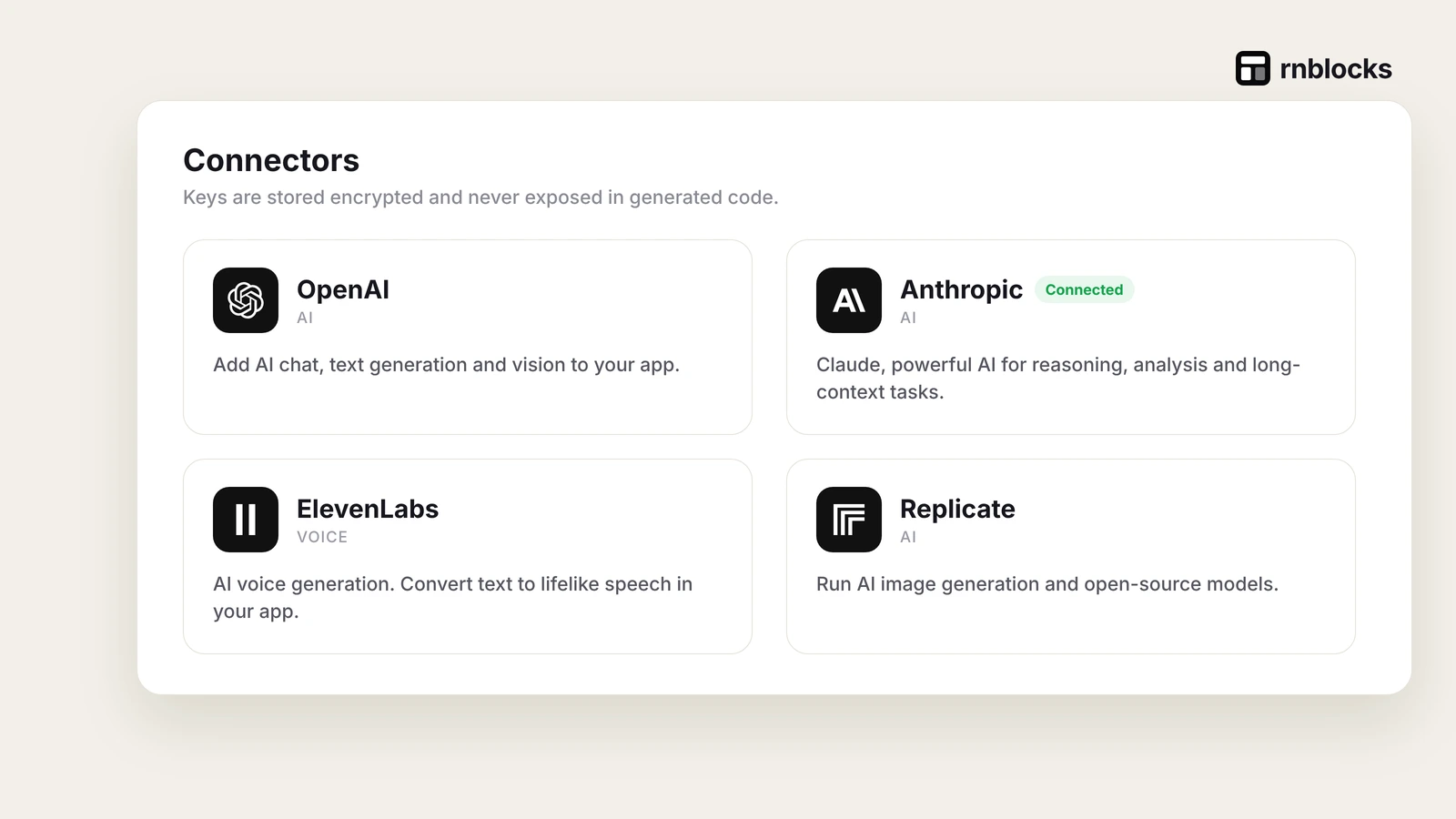
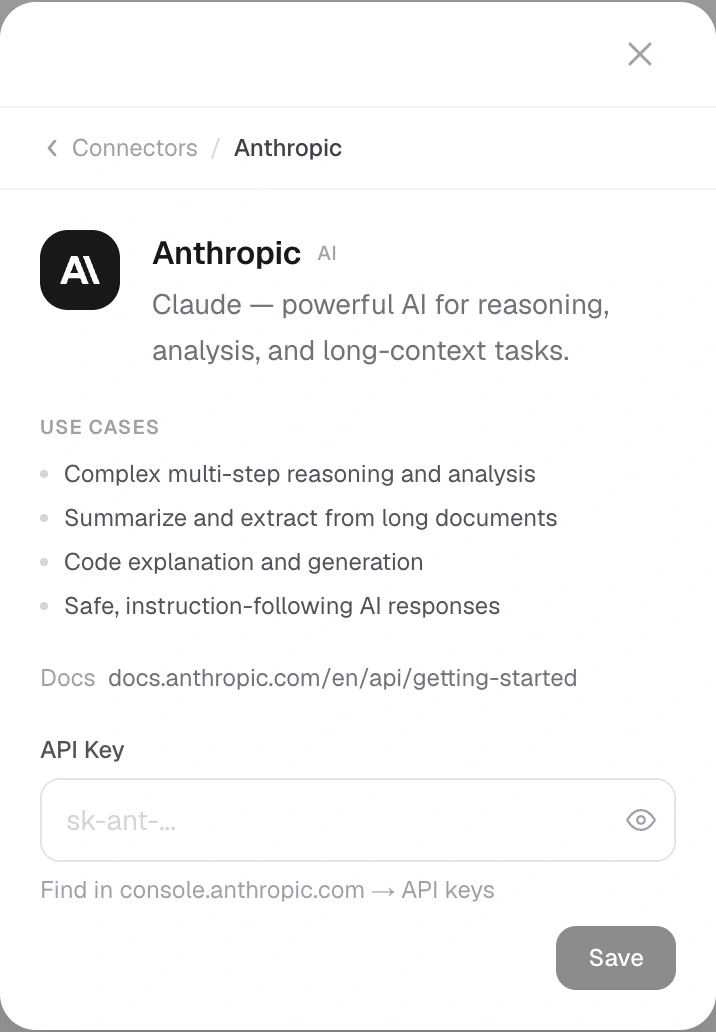
Describe the feature, for example "Use OpenAI to suggest a recipe from the ingredients I enter". When asked, connect OpenAI or Anthropic with your own API key in the connector form. RNBlocks stores the key for your app outside the source code. Then test a real request in the preview.
Steps
- Describe what the AI should do and what it receives.
- Connect the provider: App options (+) → Connectors, paste the key and save.
- Test a real request, including what happens when it fails.
- Tell users what is sent to the AI provider.
Connected is not the same as working
"Connected" means a credential is saved. The feature still needs a successful request and a test in your app.
Costs
AI usage in your app is billed by the provider, separate from RNBlocks credits.
Define a job for the AI
A useful first AI feature does one specific thing. For a cooking app, it could suggest three meals from the ingredients the person enters. State the required output, any dietary constraints and what the app should do if information is missing.
'Add AI chat' leaves the model's role, cost and data handling unclear. A focused task is easier to evaluate than an unrestricted assistant that might say anything.
Separate the builder's agent from your app's AI
RNBlocks' agent helps create and modify your project. An AI feature inside the finished app serves your users and calls its configured provider. Those are different uses, with separate credentials and billing.
Your RNBlocks subscription does not automatically cover all model requests made by people using your app. Estimate the provider usage for the feature you plan to offer.
Keep the request behind appropriate controls
Secret provider credentials belong in a supported trusted service, not in downloadable client files. Authenticate callers where appropriate, limit request size and apply per-user usage controls.
A spending alert is not necessarily an immediate hard stop. Use provider controls where available and enforce your own application limits when you need a firm allowance. Test what happens when the allowance is reached.
Evaluate with a small set of examples
Write representative requests before deciding which model to use. Include ordinary inputs, missing information and requests the feature should decline or redirect. Compare correctness, usefulness, waiting time and cost.
For the recipe example, check whether the response uses the listed ingredients and respects the stated constraints. Do not treat confident wording as evidence of correctness. Avoid promising that generated advice is guaranteed safe or accurate.
Design the waiting and failure states
| Situation | Useful behavior |
|---|---|
| Request running | Indicate progress without pretending the result is finished |
| Person cancels | Explain whether work stopped and avoid duplicate output |
| Provider is unavailable | Keep their input and offer a sensible next step |
| Limit reached | Explain the allowance and when it becomes available again |
| Response cannot be used | Show a clear fallback instead of a broken screen |
Streaming can make a reply feel responsive, but partial text should not trigger a consequential action before the result is ready and checked.
Explain what leaves the app
If ingredients, messages or photos are sent to a provider, reflect that in your privacy information. Do not send private context the feature does not need. Check retention and model settings for the provider account you use.
Start with a small audience and inspect failures. A connected key is the beginning of an integration; useful, controlled behavior inside the app is the result to verify.
Can the app use my personal chat subscription?
Do not assume a consumer chat subscription covers API usage. Check the provider account and billing required by the integration. The app's users may generate ongoing requests separate from your development work.
Should I always choose the largest model?
No. Compare a small representative evaluation set, including incorrect and incomplete inputs. A cheaper or faster model may suit the task, while a harder task may justify more capability. Decide from results and cost.
Can a streamed answer trigger actions?
Only with an appropriate design and validation. Partial output can be incomplete or change meaning. Consequential actions need confirmed inputs and controlled execution rather than blindly following generated text.
What should happen when the answer is wrong?
Give the person a way to correct inputs or report the result. Keep the original task available and avoid presenting model output as guaranteed fact. Sensitive use cases may require additional expertise and safeguards.
How do I make the feature worth using?
Put it where it helps complete a real task. A meal suggestion beside entered ingredients has a clear role. An unrelated chatbot added to every screen may increase cost without improving the product. Test whether people use the result and continue the task, not only whether a reply appears.
Questions people also ask
Which provider should I choose?
Both work well for chat and answers. Pick based on the model quality you need for your task, pricing and your own preference. You can switch later by changing the connection.
Will my API key be visible in the app?
Use the private connector form and the supported server-side integration. Never paste secret credentials into prompts or client source, and check configuration again after exporting.
How do I control costs?
Use provider controls where available and enforce application-level allowances. A budget alert is not necessarily a hard usage cap.
Common mistakes
- Pasting keys into the conversation.
- No message when the AI request fails.
- Not telling users their text is sent to an AI provider.
Build it with RNBlocks
Build the app in RNBlocks, then ask our agent for a specific AI feature using a supported provider. Connect privately, define limits and test representative requests. Keep the feature tied to the task your users came to finish.
Ready to build?
Build, connect and publish iOS and Android apps with AI.